Choosing an E-commerce Platform: Hosted Platform or Custom Store?
Hosted platforms are fastest, open source is most flexible, and custom builds suit unusual requirements. Clear criteria and a decision matrix help you pick what fits your store now and in three years.
How you choose an e-commerce platform decides how fast you launch, what you pay every month, and what you can change later without starting over. No single platform is best for every store. The right choice depends on your catalog, the market you sell in, your team's skills, and your budget over years rather than months. This article compares the three main routes and gives you practical criteria to settle the decision. It is part of The Complete Guide to Starting a Successful Online Store.
The three routes in brief
Hosted platforms (SaaS)
You pay a recurring subscription, and the platform handles hosting, security, updates and the checkout. You pick a theme, add products, switch on payments and shipping from the dashboard, and extend features through an app store. Examples include Shopify globally, and Salla and Zid, which started in the Saudi market and are built primarily around Arabic-speaking merchants.
- Strengths: fast launch, low technical burden, a stable and well-tested checkout, and ready-made integrations with payment providers and couriers.
- Limits: restrictions on customizing the checkout, URL structure and some business logic; recurring fees that grow with paid apps; and dependence on the platform's policies and terms.
Open-source platforms
Software, usually free to license, that you install on hosting you choose and control completely. The best-known example is WooCommerce, a plugin that turns a WordPress site into a store; others include PrestaShop and Magento Open Source.
- Strengths: full control over code, data and design; a huge plugin ecosystem; and content and store in one site, which helps brands that rely on blogs and buying guides.
- Limits: you own hosting, backups, security updates, performance and plugin conflicts. "Free" does not mean cheap: developer time, premium plugins and good hosting are real costs.
Custom-built stores
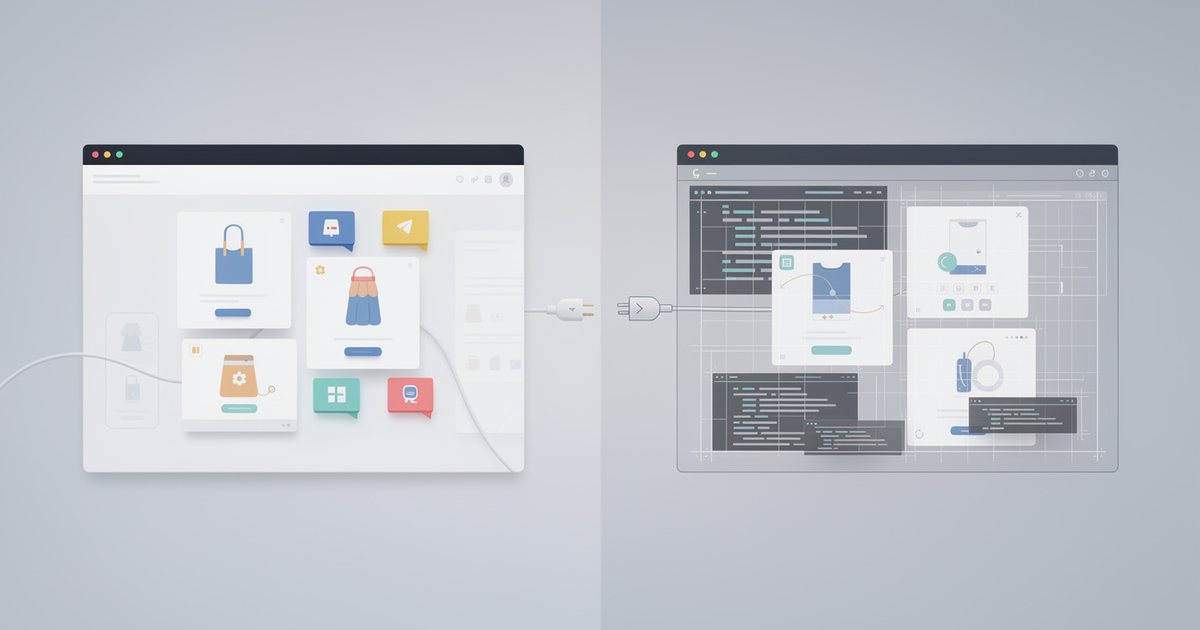
Built from scratch or on a development framework, sometimes as a "headless" setup, meaning a commerce engine manages products and orders in the back end while the storefront is designed entirely to order.
- When it pays off: complex B2B pricing with per-customer price lists, deep integration with an ERP or warehouse system, a multi-vendor marketplace, subscriptions or configurable products, or a buying experience no theme can deliver.
- Limits: the highest upfront cost and time, a permanent need for a technical team, and rebuilding things platforms give you out of the box, such as coupons, tax, invoicing and a secure checkout.
Criterion 1: Catalog size and complexity
A store with twenty simple products is a different problem from one with five thousand products, each with dozens of variants. Ask yourself:
- How many products will you list within two years, and how many variants (size, color) per product? Some platforms cap the number of options or variants per product, so check before committing.
- Do you need bundles, personalized products with customer-supplied text or images, or extra fields such as a requested delivery date?
- Do you have more than one warehouse or branch that needs separate stock?
- Do you sell to consumers and to businesses at different prices?
- How will prices and stock be updated: manually, by file import, or through an automatic link to your accounting system?
Criterion 2: Arabic and right-to-left support
Many platforms "support Arabic" on paper. The difference shows in the details, so check for yourself:
- Admin panel: is it fully in Arabic or only partly translated? This matters if your team works in Arabic.
- Theme: mirrored arrows, icons and sliders; the position of prices and currency symbols; text alignment; and how Latin numbers and model codes display inside Arabic sentences.
- Bilingual content: separate fields per language for products and categories, and separate URLs per language that search engines can index.
- On-site search: does a search for the singular find the plural, and does it cope with the different hamza forms, taa marbuta and alif maqsura? Search that fails here loses sales silently.
- Messages and invoices: email, SMS and invoice templates in Arabic, with correct direction and a readable font.
A quick test: add a product with a long Arabic name that includes an English model code, such as a black wireless headset called "Pro X2", then follow it through the product page, cart, invoice and confirmation message. Those two minutes reveal more than a full sales demo. For bilingual sites in general, see Building a Bilingual Arabic–English Website.
Criterion 3: Local payment and delivery integrations
A platform that is excellent globally can be weak in your country if it does not connect to what your customers use. Check:
- Payments: local cards such as mada, KNET and Meeza, Apple Pay, buy-now-pay-later services, and cash on delivery with the option of a COD fee. Is the integration official or a third-party plugin? Differences between providers are covered in Payment Gateways Explained.
- Delivery: creating shipping labels from the dashboard, automatic order status updates, and reconciling the cash-on-delivery amounts your courier remits.
- Notifications: WhatsApp and SMS order confirmations and tracking updates, within the policies of the channels involved.
- Accounting and tax: export to your accounting software, and invoices that meet your country's requirements, including e-invoicing where it is mandatory.
- In-store sales: if you have a shop, is there a point-of-sale system that shares stock between the shop and the website?
Criterion 4: Total cost of ownership
The right comparison is not the monthly subscription but everything you will pay over roughly three years, including your own time and your team's.
| Cost item | Hosted platform | Open source | Custom build |
|---|---|---|---|
| Subscription or license | Recurring, monthly or yearly | Usually no license | No subscription, high build cost |
| Hosting and security | Included | Your responsibility | Your responsibility |
| Apps and plugins | Recurring fee per app | Free or paid plugins | Built as needed |
| Fees on sales | Possible, by plan or provider | None from the platform | None from the platform |
| Design and customization | Theme plus limited edits | Flexible, at developer cost | Fully custom, at developer cost |
| Maintenance and updates | Handled by the platform | Regular developer hours | Permanent team |
Payment provider fees are separate from the platform in every case. Note too that some platforms add a fee on each sale if you use a payment provider other than their own, so read the pricing page and plan terms carefully before you compare.
Criterion 5: Data ownership and ease of leaving
You may move platforms one day, so make leaving possible from the start:
- Can you export products, customers, orders and reviews in a standard format such as CSV, or through an API?
- Is the domain registered in your name and under your control, not the platform's or the developer's?
- What happens to product URLs when you move? You will need permanent (301) redirects from old URLs to new ones to keep your search rankings.
- Saved cards and recurring subscriptions may not transfer easily between payment providers. Ask early if your model depends on them.
A platform that makes leaving hard also makes every future price rise hard to refuse.
Criterion 6: Flexibility, SEO and speed
Check that you can edit page titles and meta descriptions, URL structure and structured data for products, and test loading speed on mobile. These points decide much of your visibility in search. The details are in SEO for Online Stores and Website Speed.
A short decision matrix
| Your situation | Closest route | Why |
|---|---|---|
| New store, dozens of products, small team, no developer | Hosted platform | Fastest launch, least technical burden |
| Content-led brand with a blog and a developer available | Open source | Flexibility, control, content and store together |
| B2B distributor with special prices and an ERP | Custom or hybrid | Pricing logic and integrations themes cannot offer |
| Multi-vendor marketplace | Specialized solution or custom | Commissions, vendor accounts and separate payouts |
| Testing a new idea before investing | Hosted platform or social selling | Cheapest way to learn real demand |
If you are weighing a hosted platform against a content-heavy site, Content Management Systems explains when a system like WordPress fits and when it does not.
How to test before you commit
- Open trial accounts on two or three options at most.
- Add five real products with their variants, photos, and Arabic and English text.
- Switch payments to test mode and place an order with every method, including cash on delivery.
- Export products and orders, and open the file to check it is complete.
- Ask support a question in Arabic and note how quickly and accurately they answer.
- Search the app store for an integration with the courier you plan to use.
- Read the terms of service on fees, account suspension and data ownership.
Common mistakes
- Choosing on the first month's fee: apps and add-on fees can multiply the real cost.
- Custom development before proving demand: many stores spend their budget building a system and have nothing left for marketing.
- Piling up plugins: each one can slow the store and add conflict and security risk. Install only what you need.
- Judging a theme by its demo photos: try it with your own products, images and real Arabic text.
- Neglecting security: on open-source platforms in particular, postponed updates invite attacks. See Online Store Security and Customer Data Protection.
Practical checklist
- Start with the simplest route that meets today's needs and lets you grow for at least two years.
- Judge Arabic support by testing, not by reading the feature list.
- Confirm integrations with the payment methods and couriers your customers actually use.
- Calculate the three-year total cost, including apps and developer time.
- Keep ownership of your domain and data, and test the export before you need it.
- Move to custom development when platform limits genuinely hold back sales, not before.