Content Management Systems: When They Fit and When They Don't
A neutral guide to choosing a content management system: the three main models, examples such as WordPress, managing plugins safely, and when to build custom.
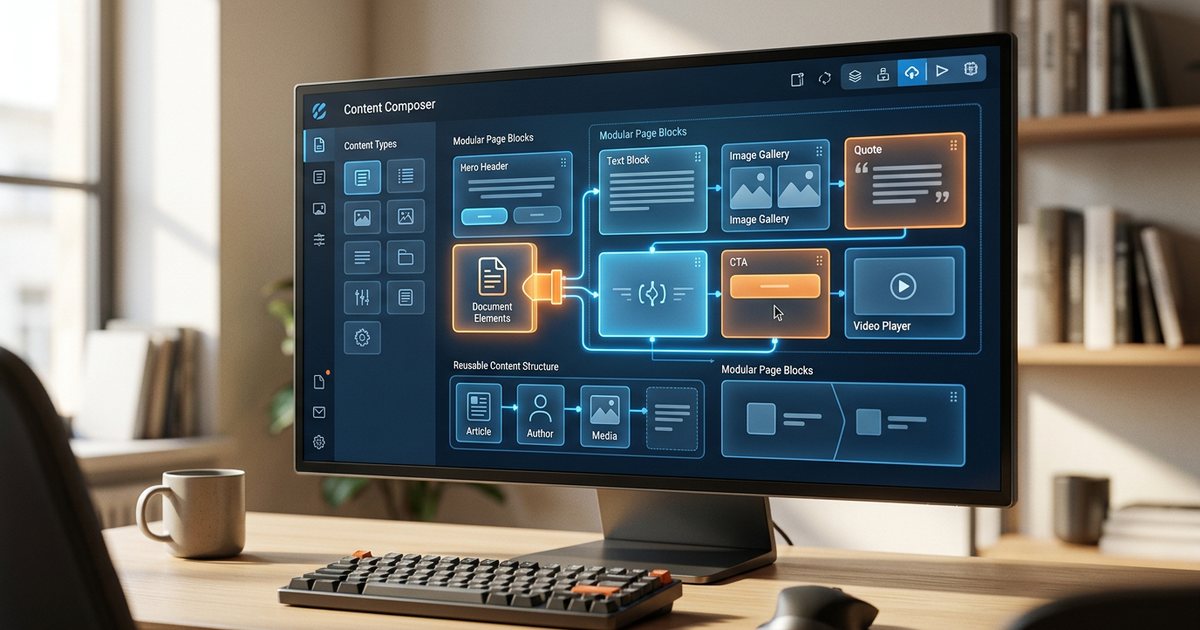
A content management system (CMS) is software that lets you add and edit pages, articles and images from a dashboard without touching code, and it separates content from design so one can change without breaking the other. Most business websites benefit from one. The real question isn't whether you need a CMS but which kind fits you, and when a custom build is the better call. This guide answers with practical criteria rather than a favorite platform.
What a CMS actually does
- Content editor: write and format text, and insert images and video.
- Media library: store images and files and reuse them.
- Content types: pages, posts, products, projects, team members, each with its own fields.
- Users and permissions: a writer drafts, an editor reviews, a manager publishes.
- Templates: control how content is displayed so pages stay consistent.
- Extensions: extra features such as forms, multilingual support and SEO tools.
- Revision history: roll back to an earlier version when something goes wrong.
The real value is that your marketing team can publish a Ramadan offer or update a price list in minutes, without waiting for a developer.
Three models: traditional, headless and static
Traditional CMS
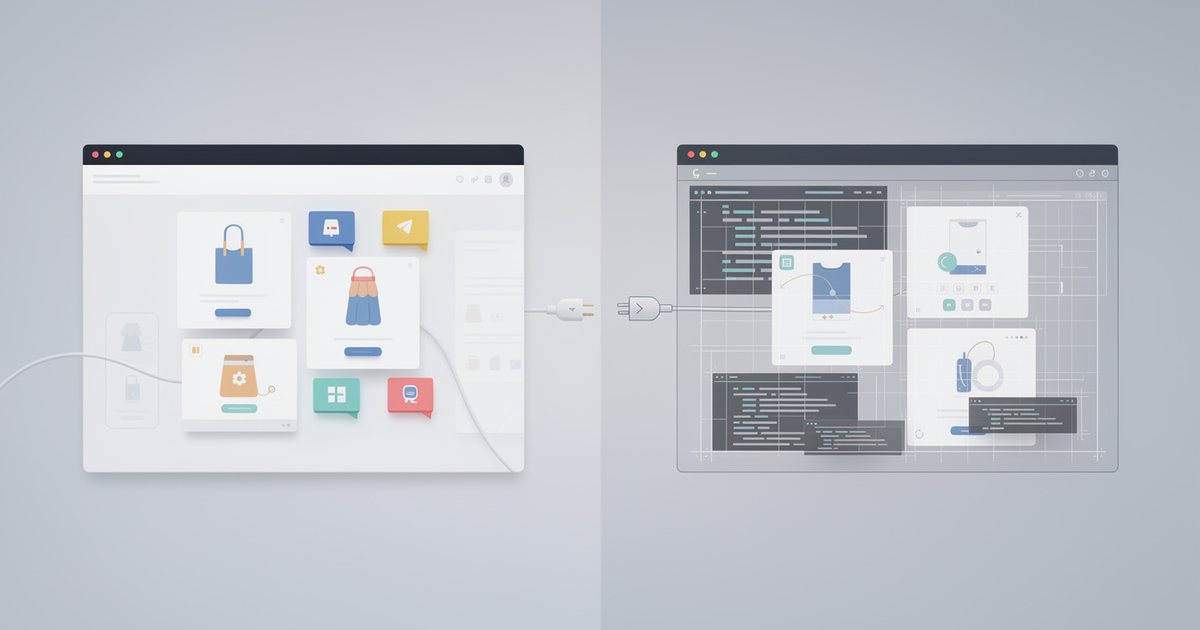
Stores content and renders pages in one system: when someone visits a page, the server pulls content from the database and merges it into a template. Common examples are WordPress, Joomla and Drupal. The strengths are fast launches, a huge supply of themes, plugins and developers, and easy previews. The weaknesses are that too many plugins slow the site and widen the attack surface, and that it needs constant updating.
Headless CMS
Stores content and serves it only through an API, while the front end visitors see is built separately. One source can feed a website, an app and in-store screens. Examples include Strapi, Contentful and Sanity, and WordPress itself can be used this way. The strengths are flexibility, performance and multichannel delivery; the weaknesses are that you need developers to build and maintain the front end, and previewing pages before publishing is harder.
Static site generation
Pages are pre-built into plain HTML files each time you publish, from text files or from a headless CMS. Tools include Hugo, Eleventy, Jekyll and Astro. The strengths are high speed, a smaller attack surface because no database is queried on each visit, and cheap hosting. The weaknesses are that every change needs a rebuild, interactive features rely on external services, and non-technical editors need an editing interface added on top.
A fourth category is hosted site builders such as Wix and Squarespace, and commerce platforms such as Shopify, Salla and Zid. The provider handles servers, updates and security in exchange for less flexibility and more dependence on them. For stores specifically, see choosing an e-commerce platform.
| Model | Time to launch | Flexibility | Performance | Maintenance and security | Best for |
|---|---|---|---|---|---|
| Traditional | Fast | High, through plugins | Good when tuned | Constant updates and plugin management | Company sites, blogs, news sites |
| Headless | Slower | Very high | Excellent | Split between the CMS and the front end | Multichannel content, larger projects |
| Static | Medium | Medium | Excellent | Lowest | Brochure sites, documentation, technical blogs |
| Hosted builder | Fastest | Limited to what the platform allows | Good | Handled by the provider | Small projects, new stores |
WordPress and its peers: a neutral look
WordPress is the best-known traditional CMS. It has an enormous ecosystem of themes and plugins, plenty of developers in the region, and built-in right-to-left support, while multilingual sites usually rely on plugins. Distinguish between the open-source software you host yourself and the hosted service that shares its name, which differs in permissions and restrictions.
Drupal is stronger for complex structured content and fine-grained permissions and suits larger organizations, but it has a steeper learning curve; Joomla sits somewhere between the two. More important than the name is checking, before you choose:
- Arabic and RTL support in both the admin panel and the front end.
- How Arabic and English versions are managed and linked, as covered in building a bilingual Arabic–English website.
- How well internal search handles Arabic text.
- Whether you can find other developers if your current one is no longer available.
Plugin risk and how to manage it
Every plugin is third-party code running inside your site with the same privileges as the site itself, and plugin vulnerabilities are a frequent cause of hacked CMS sites. Each plugin also adds files and requests that can slow pages down. Before installing one, ask:
- Do I really need it, or can a small template change do the job?
- Is it updated regularly, and when was the last update?
- Is it compatible with the version of the CMS I run?
- What is the developer's reputation, and how do they handle reported vulnerabilities?
- Does it load its files on every page or only where needed?
Day-to-day rules:
- Install as few as possible, one plugin per job.
- Back up before every update, and test major updates on a staging copy first.
- Delete plugins you don't use; deactivating them is not enough.
- Keep a documented list of plugins and why each one is there.
- Be careful with heavy page builders. They make design easy, but they tie your content to them and can be hard to leave later.
Broader protective practices are covered in website security essentials, and the performance impact of plugins in the guide to website speed.
When a custom build fits better
A custom build means developing the site with a framework such as Laravel, Django or Next.js, with an admin panel designed around your needs. It fits better when:
- Your business depends on specific logic, such as bookings with complex rules, price calculators or customer portals.
- You need deep integration with internal systems such as an ERP or a CRM.
- You find yourself needing a large number of plugins to bend an off-the-shelf system into something it wasn't built for.
- You have performance, security or compliance requirements a plugin ecosystem can't meet.
Custom work has its price: higher build costs, ongoing maintenance and dependence on the team that built it. So insist on owning the source code, having access to its repository, and documentation good enough for another developer to take over. The roles involved in such projects are explained in web design vs. web development.
There are middle paths too: a traditional CMS with a lean custom theme instead of a heavy page builder, a CMS for marketing pages alongside a custom app for the customer portal, or a headless CMS that combines coding freedom with easy editing.
Questions that settle the choice
- Who will edit content, with what skills, and how often each week?
- What content types and fields do you have, and do they repeat with a fixed structure?
- How many languages do you need, and do pages match across them?
- Which systems must it connect to, such as payments, CRM or WhatsApp?
- Who will handle security updates, and what is the annual maintenance budget?
- Can you export all your content if you decide to move?
- Do you need content reviewed before publishing, and tiered permissions?
Illustrative example
A contracting company in Riyadh needs about twenty pages, a project gallery and news in two languages, and has a two-person marketing team publishing weekly. A traditional CMS with a custom theme and a small set of plugins suits it best. A chain of clinics that wants booking linked to its internal system and an app later on is better served by a headless CMS or a custom build that exposes data through an API.
After launch: running a CMS never stops
- A fixed update schedule covering core, themes and plugins, always preceded by a backup.
- Least-privilege permissions, two-factor authentication for administrators, and removal of accounts belonging to former staff and to agencies once their work ends.
- A short editorial guide covering image sizes, how to write alt text and heading structure, so content stays consistent.
- Regular reviews of plugins, outdated pages and broken links.
Practical checklist
- You know who edits content and when, and you chose the model that fits your team rather than the most popular one.
- The system supports Arabic, RTL and both languages in the admin panel and the front end.
- Plugins are few, documented and regularly updated, with no pirated copies.
- Backups are automatic, and updates are tested before they reach the live site.
- The code, content, domain and accounts belong to the company and can be exported.
- If you chose a custom build, the code is documented and stored in a repository the company owns.
For the full project picture, see building your business website.