Editing Short-Form Video: Reels, TikTok and Shorts
A practical guide to editing Reels, TikTok and Shorts: vertical project setup, a strong opening, pacing, captions, safe zones, and balancing trends with brand identity.
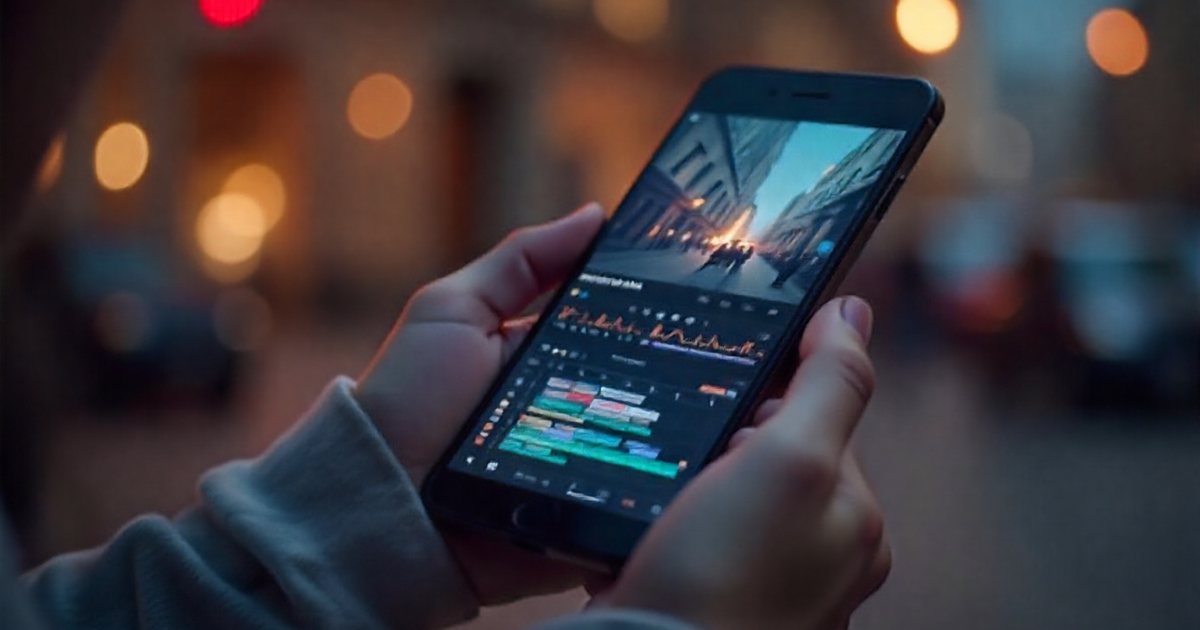
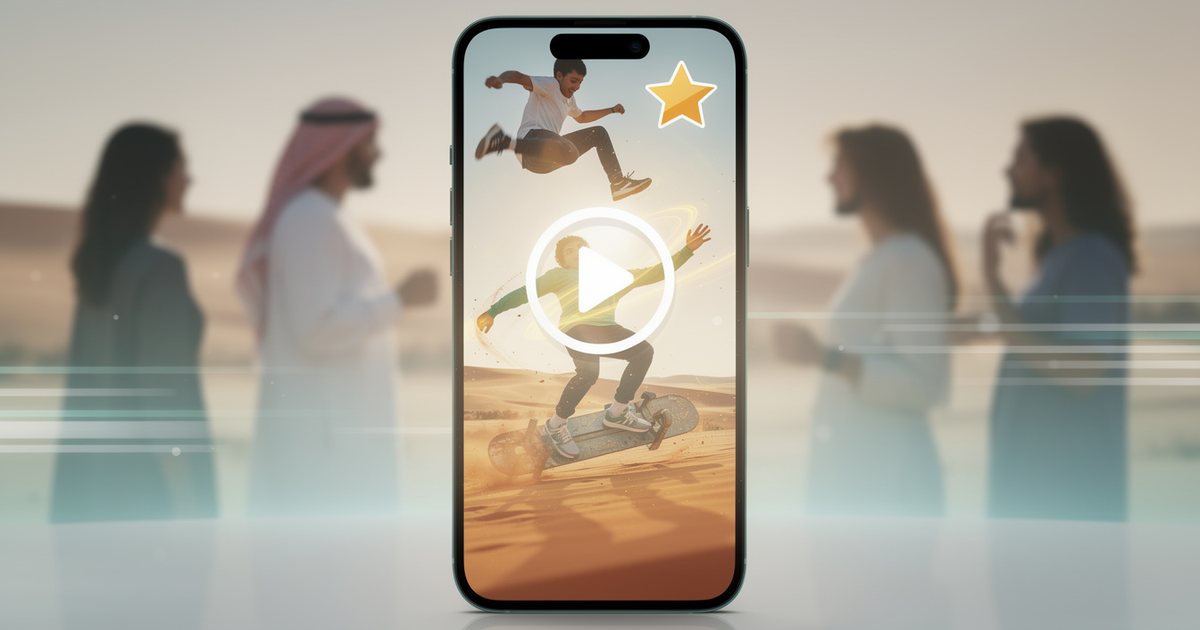
Short-form video editing differs from traditional horizontal editing in one fundamental way: viewers didn't choose your video, it appeared while they were scrolling, and the decision to stay or leave happens in seconds. So the priorities shift. The opening matters more than the ending, on-screen text matters more than the music, and the pace is faster while the idea stays clear. This article covers vertical project setup, building the opening, pacing, text and captions, safe zones, balancing trends against brand identity, and repurposing long videos.
The right setup before the first cut
- Ratio and resolution: 9:16 at 1080×1920 is the usual setting for Reels, TikTok and Shorts. Create the project at that size from the start instead of converting a horizontal project at the end.
- Frame rate: match your main footage; 25 or 30 fps are common, and 50 or 60 fps suit fast motion. Frame rate itself is explained in Video Editing: The Complete Beginner's Guide.
- Length: each platform's maximum video length changes from time to time, so check its current help pages. More important than the limit is making the video as long as the idea needs and no longer.
- A ready template: save a starter project with the right settings, a safe-zone guide layer and the brand's text styles, so every new video starts in minutes.
Converting horizontal footage to vertical
With horizontal footage you will crop away more than half the width of the frame. From a 3840×2160 clip you keep a vertical frame about 1215 pixels wide, which is more than 1080, so quality holds up. From a 1920×1080 clip you keep only about 608 pixels, and scaling that up to 1080 visibly softens the image. If a video will be published in both ratios, shoot in 4K and keep the subject near the center of the frame, as covered in Shooting for the Edit: Footage That Makes Editing Easier.
The first seconds: an opening that stops the scroll
The opening, or hook, is what makes a viewer stop scrolling. There is no magic duration, but common practice is to give viewers a reason to stay within the first one to three seconds. The most-used opening patterns:
- Result first: the finished dish, the renovated room, the face after the treatment, then go back and show how you got there.
- A clear written line: a question or a specific promise on screen from the first frame, such as "3 mistakes that make your kitchen look smaller".
- Movement or a sudden change: a shot that starts in the middle of the action, not before it.
- A problem the audience knows: "Ordered online and got the wrong size?" in a clothing store video explaining its exchange policy.
What to avoid at the start: a long animated logo, a drawn-out greeting, or a static shot where nothing happens. Put the logo at the end, or keep it small in a safe corner.
Pacing: faster without chaos
- Cut every pause: in talking videos remove silences, hesitations and repetition. Jump cuts are entirely acceptable in this kind of content; see Cuts and Transitions in Video Editing.
- Refresh the picture every few seconds: change the shot size, add B-roll, bring in text or push in slightly. These changes hold attention, but each one should serve the idea rather than decorate it.
- One idea per video: a short video that tries to say five things says nothing. If you have five tips, think five videos.
- An ending that loops: if the last shot connects visually or verbally with the first, some viewers rewatch without noticing. It is a common technique in entertainment content.
- Speed ramps in moderation: a sudden speed change on a music hit is striking, but it loses its punch if it happens on every shot.
Text and captions on screen
Many people watch short videos in public or with the sound off, so the idea has to come across from the text alone. Practical rules:
- Burned-in captions: put the speech on screen in a clear typeface at a size readable on a phone, one or two lines at a time.
- Arabic text: choose a simple, clear Arabic typeface, and check that letters join correctly and the text runs in the right direction. Some text tools show Arabic broken apart or reversed when it is mixed with numbers or English words, so check every line by eye before export.
- Contrast: white text with an outline or a semi-transparent dark box stays readable over any shot.
- The audience's language: agree with the client early on the caption language: Arabic only, English only, or two separate versions. Audiences in the UAE, for example, are highly multilingual, and two separate videos are usually clearer than two languages crowded onto one screen.
Automatic captioning tools save a lot of time, but they get names, technical terms and dialect speech wrong, so check them word by word. Writing and styling subtitles is covered in full in Subtitles and On-Screen Text.
Safe zones: what the platform interface covers
Every platform overlays parts of its interface on the video: account name, caption text, like, comment and share buttons, and in ads, call-to-action buttons. Any text or face under those elements is lost. The general rule:
- Keep text and key elements in the central part of the frame.
- Stay clear of the bottom area, where the caption, account name and audio details appear.
- Stay clear of the right edge, where the engagement buttons usually stack.
- Leave a margin at the top, where navigation elements can appear.
The exact areas differ between platforms and between organic posts and ads, and they change with app updates, which is why platforms publish safe-zone templates in their advertiser help pages. Download the current template, place it as a guide layer in your project, and hide it before export.
Trends or brand identity?
Trends, from sounds to templates and challenges, improve the odds of reach, but they can make a brand look like every other account. How to strike the balance:
- Pick the trend that fits your message: ask whether you can use it to say something about your product or audience. If not, skip it.
- Add the brand's signature: the same typefaces, colors and tone of voice in every video, even when the format changes.
- Watch the audio rights: trending sounds may not be available to business accounts or in ads, so check what your account type allows in the platform's commercial music library. Music licensing basics are in Audio in Video: Dialogue, Music and Effects.
- Speed has a price: a trend often lives for days, so if approval takes two weeks you have missed it. Agree in advance with the client on what can go out without a long sign-off.
- Seasons: during Ramadan, Eid and White Friday the competition for attention rises, so prepare templates and core copy before the season and leave the trending details for the last days. This fits with Social Media Management: Building a Monthly Content Plan.
Repurposing long videos
A one-hour interview, a webinar or a filmed podcast episode can become dozens of short clips if you select well:
- Read the transcript: look for self-contained passages that carry a complete idea in 20 to 60 seconds, such as a specific tip, a bold opinion or a short story.
- Start on the strongest line: don't open the clip at the start of the question; open on the strongest sentence of the answer, and add context with on-screen text if needed.
- Reframe: keep the speaker's face centered in the vertical frame and move the frame with them. Many editors offer automatic reframing, but it needs checking in shots with more than one person.
- Make up for the missing context: a headline at the top, captions, and B-roll where available.
- Make every clip stand alone: the viewer hasn't seen the full episode, so don't assume they know who is speaking or what the topic is.
Export and publishing
- Export at 1080×1920, at the project's frame rate, in a common codec such as H.264, and with enough bitrate that the image survives the platform's own recompression. Details are in Video Export Settings: Formats, Resolution and Bitrate.
- Turn on the high-quality upload option in the app settings where available, and avoid uploading over a weak connection.
- Choose the cover image carefully, since it is what appears in the profile grid.
- Paid ads on these platforms bring extra considerations, covered in TikTok and Snapchat Ads for Gulf Audiences.
Checklist before publishing
- Is the project set to 9:16 at 1080×1920 from the start?
- Does the first second give viewers a clear reason to stay?
- Does the video carry one clear idea?
- Have you cut every pause and repetition that adds nothing?
- Does the idea come across from the text alone, with the sound off?
- Is the Arabic text correctly joined, running in the right direction and free of errors?
- Are all text and faces outside the areas covered by the platform interface?
- Is the music or sound cleared for your account type and for commercial use?
- Have you previewed the video inside the app on a phone before publishing?