How to Write an Explainer Video Script: Structure, Pace and Voice-Over
How to write a short explainer script viewers understand first time: the four-part structure, timing the narration, the two-column format and writing for voice-over.

An explainer video script is the blueprint for everything that follows: the illustration, the motion and the sound. The message and the story are decided at this stage, and no amount of beautiful artwork can rescue a weak script. The proven recipe is simple: the problem, then the solution, then how it works, then a call to action, in a short script written for the ear rather than the eye. This guide walks through that structure step by step, shows how to time your narration, and covers what changes when you write for Arabic voice-over as well as English.
Before you write: six questions that shape the script
Answer these on a single page before writing the first line. They decide the script's length, tone and order:
- Who is watching? Describe one specific person: what they already know about the problem, the words they use, what worries them. The method in defining your target audience and buyer personas helps here.
- What is the one message? If viewers remember a single sentence, what should it be? If you can't write it in one line, the video isn't ready to be scripted. See crafting a clear marketing message.
- What should they do afterwards? One action: download the app, book an appointment, message you on WhatsApp.
- Where will it play? A website visitor is interested and often has the sound on. An ad is frequently watched muted and has to grab attention instantly. An exhibition screen usually has no sound at all.
- How long is it? Website explainers commonly run 60 to 90 seconds; ads are much shorter. Set the length before writing, not after.
- Which language and tone? Modern Standard Arabic or a local dialect, and will you need an English version too?
The four-part structure: from problem to action
This structure works because it mirrors how viewers think: "this happens to me", then "there's a fix", then "here's how it works", then "what do I do now?" The table shows one way to split a 60-second video; treat it as an example, not a rule:
| Part | Its job | Example timing |
|---|---|---|
| Problem | Viewers recognize their own situation | 10 to 15 seconds |
| Solution | Introduce the product with a clear promise | About 10 seconds |
| How it works | Three steps or three benefits | 25 to 30 seconds |
| Call to action | One clear next step | 5 to 10 seconds |
1. The problem
Open with the viewer's situation, not your company's history. Describe the problem in their words and as a specific, drawable moment. "Many people struggle with maintenance" is vague and impossible to illustrate; "Midday in August, and the air conditioning suddenly stops" is a scene viewers can see and remember. Avoid melodrama, though; exaggerated suffering costs you credibility.
2. The solution
Introduce the product by name with one promise tied directly to the problem you just showed. Don't list features here; say what changes for the viewer. One or two sentences are enough.
3. How it works
This is the heart of the video. Show three steps or three benefits at most, each with its own scene. Phrase them as outcomes rather than specifications: "You know exactly when the technician will arrive" is clearer than "real-time tracking system". Add one trust signal that matters to your audience, such as certified technicians, a price shown before booking, or the option to pay cash when the job is done.
4. The call to action
One action only, matched to the platform: "Download the app" for an app ad, "Message us on WhatsApp" for a service that sells through conversation. Put it on screen as text alongside the brand name, because many viewers remember what they read better than what they hear. If there is a genuine reason to act now, such as a Ramadan offer, mention it; avoid manufactured urgency.
Timing your script and narration pace
A common working estimate for English narration is about 130 to 150 words per minute. A 60-second video therefore holds roughly 130 to 150 English words at most, and explainers are better near the lower end, because visuals need room to breathe and scene changes need small pauses.
Word counts don't transfer directly to Arabic. Arabic attaches conjunctions, prepositions and pronouns to the word itself, so a single Arabic word can carry what takes two or three English words, and syllable length varies from script to script. The reliable method is the same in both languages:
- Read the script aloud at the pace you want from the voice artist, with a stopwatch.
- Add a second or two for each scene change.
- If it runs long, cut ideas rather than asking the narrator to speed up. Speed kills clarity.
Apply the rule of one idea per scene: if a sentence carries two ideas, split it across two scenes or drop one. And leave deliberate silences where the picture speaks for itself, such as the logo reveal or an app screen demo.
The two-column format: audio and visual
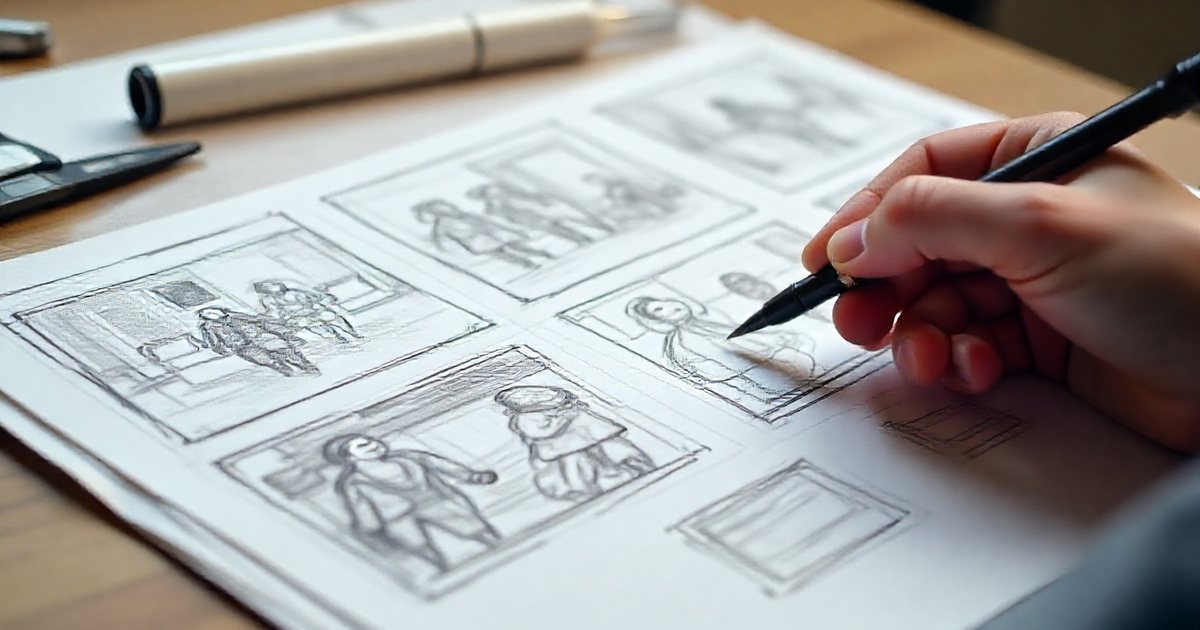
Animation scripts are usually written in two columns: what is heard and what is seen. This format forces you to think visually from the start and makes life easier for whoever draws the storyboard next. Notice that the visual column doesn't repeat the narration; it adds to it. Here is an illustrative example for a hypothetical Kuwaiti app called Barid that books air-conditioning repairs, running about 30 seconds:
| Scene | Audio | Visual |
|---|---|---|
| 1 | Midday in summer, and the AC suddenly stops. | Living room, thermometer climbing, the family hunting for a fan |
| 2 | Endless calls, vague appointments, long waits. | A phone ringing unanswered, clock hands spinning |
| 3 | With Barid, you book a certified technician in a few taps. | App logo appears on a phone in the father's hand |
| 4 | Choose the problem, then pick a time that suits you. | Fault selection screen, then a calendar with a day and hour chosen |
| 5 | Track the technician's arrival, and pay when the job's done, by cash or card. | Map with the technician's icon moving, then a receipt |
| 6 | Download Barid today, and let summer pass quietly. | Logo, "Download the app" text and app store badges |
Read calmly, this runs about 30 seconds, but time it yourself out loud as described above; the narrator and the delivery will change the timing.
Write for the ear, not the eye
A script that reads well on paper can be exhausting to listen to. Rules for voice-over writing:
- Short sentences: one idea per sentence. Listeners can't go back a line.
- Active voice: "You book your slot" beats "Slots can be booked".
- Everyday words: skip jargon unless your audience is specialist.
- No long feature lists: three items is about what a listener retains easily.
- Always read it aloud: then ask someone outside the project to listen and summarize what they understood.
- On-screen text supports, it doesn't duplicate: show key words only, and add full subtitles for versions watched without sound, as explained in subtitles and on-screen text.
Many of the rules in ad copywriting formulas apply too, especially to the opening scene and the call to action.
Writing for Arabic and English voice-over
Writing in Arabic
- Choose a register and stick to it: simplified Modern Standard Arabic keeps one message across Arab markets, while Gulf or Egyptian dialect can bring a video closer to one country's audience. Mixing the two in one script sounds confused unless it is deliberate.
- Add diacritics to ambiguous words: mark vowels on words that can be read more than one way, and on names of people and products, so the voice artist doesn't have to guess.
- Spell out numbers as they should be spoken: Arabic numbers follow gender and case agreement rules, so write the full spoken form of a price rather than digits when pronunciation matters.
- Foreign names: transliterate how the brand or product name should sound in Arabic letters and mark the stressed syllable.
- Break up long chains: Arabic sentences tend to extend with "and", "where" and "as", so cut them into short sentences.
- Cast the right voice: gender, age and tone are part of the message; match them to the audience and the brand's personality.
Writing in English
A conversational tone usually works best: contractions like "you'll" and "it's", short words and direct address to the viewer. If the English version will later be adapted into Arabic, or the reverse, avoid local idioms that won't carry across.
Two language versions of one video
- Adapt, don't translate literally: rewrite each version for its language and audience while keeping the same structure and facts.
- Each version has its own timing: animation is timed to the voice-over, so record the final narration for both languages before animating if you can, or design scenes with flexible holds that absorb differences in length.
- On-screen text: the Arabic version needs a right-to-left layout, not just swapped words.
- Lip sync is expensive: if characters speak on screen, every language needs new mouth animation. Off-screen narration lets you switch languages easily.
Common explainer script mistakes
- Opening with the company's history or awards instead of the viewer's problem.
- Cramming every feature into one minute.
- Describing a generic problem viewers don't recognize as theirs.
- More than one call to action at the end.
- Writing without thinking about the visuals, or having the narration describe what's on screen word for word.
- Running over time, then speeding up the voice-over to compensate.
- Approving the script by reading it silently instead of listening to it.
Practical checklist before approving the script
- Can the message be summed up in one sentence?
- Does the script open with a situation the viewer recognizes?
- Is the solution presented with one clear promise?
- Is "how it works" limited to three steps or benefits?
- Is there a single call to action that suits the platform?
- Has the length been timed by reading aloud?
- Does every scene carry one idea, with a matching visual in the second column?
- Are ambiguous Arabic words marked, and numbers and names written as they should be spoken?
- Do the ad versions make sense without sound?
Once approved, the script moves on to the storyboard, then voice recording and animation, and sound stays a partner to the picture until the end, as covered in sound design for motion graphics. For the full production picture, go back to the complete guide to animation and motion graphics.