Animation, Motion Graphics and Explainer Videos: The Differences
Five terms people mix up when ordering an animated video: what sets each apart, when each one fits, and how to choose between them by goal, time and effort.
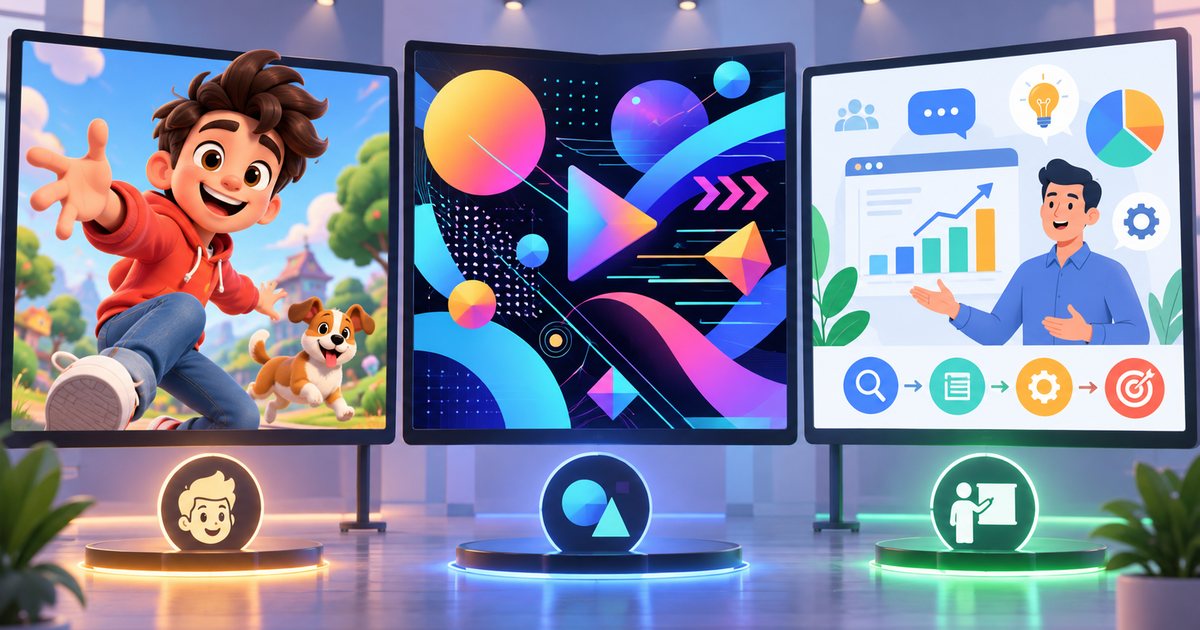
People often use "animation", "motion graphics" and "explainer video" as if they meant the same thing, but the animation vs motion graphics distinction is real, and it directly affects budget, schedule and what you end up with. In short: animation is the umbrella term for any moving image; motion graphics animates design elements such as type, shapes and icons; an explainer video is a purpose, not a style; whiteboard animation is one specific drawing style; and 3D product animation is a technique for showing physical products. Below, each type is explained in turn, followed by a practical way to choose.
Why the terms get mixed up
In many markets, the Gulf and Egypt included, "motion" has become shorthand for almost any animated video. A client asks for "a motion graphics video" while picturing talking characters; the designer hears animated text and icons. The result is wildly different quotes for what looks like the same request, and disappointment at delivery.
The confusion happens because these terms sit on four different axes:
- Technique: 2D or 3D.
- Content: acting characters, or graphic elements and information.
- Purpose: explaining, persuading, entertaining or building identity.
- Visual style: whiteboard, flat illustration, isometric and so on.
So one video can be an "explainer" by purpose, "motion graphics" by content and "2D" by technique, all at once. The practical fix is to describe what you want with reference examples rather than a label alone, as the complete guide to animation and motion graphics recommends.
Five types and what sets each apart
Character animation
Characters that move, emote and sometimes speak, with mouth shapes synced to the voice (lip sync). It can be drawn frame by frame, built from rigged 2D characters or made with 3D models.
- Strengths: creates emotional connection, tells stories, and a character can become a brand asset that returns in campaigns for years.
- What it takes: designing and approving the character, drawing it from several angles, rigging it, then acting it out. If the character speaks, every new language version means re-animating the mouth.
- Good for: awareness campaigns, story-driven Ramadan ads, children's content and brand mascots.
Motion graphics
Graphic design in motion: text, icons, shapes, charts, app screens and logos. The star is the information, not a character.
- Strengths: clarity, a very close fit with the visual identity, easy to produce in multiple sizes and update later, and able to carry the message with no sound through on-screen text.
- Limits: less emotional unless backed by strong writing and sound design, and generic-looking when assembled from stock templates.
- Good for: social ads, product feature videos, app demos with animated screens, reports and figures, event screens and broadcast graphics.
Explainer videos
Not a style but a goal: explaining a product, service or process in a short time. The usual structure moves from problem to solution to how it works to a call to action; the details are in writing an explainer video script.
An explainer can be made with characters, motion graphics, whiteboard, 3D, or screen recordings enhanced with animated graphics for software products. So the right question is not "explainer or motion graphics?" but "which style explains this best?"
Whiteboard animation
A hand, real or illustrated, draws the ideas progressively on a white background in sync with the narration. Variations include blackboard and glassboard.
- Strengths: ideal for step-by-step teaching. Viewers follow the drawing as it forms, which holds attention, and the simplicity keeps focus on the idea.
- Limits: narrow visual range and color, it can feel repetitive when built from stock drawing libraries, and it rarely suits premium brands. It is not automatically cheap either; custom drawings take time like any other artwork.
- Good for: training, government procedures, educational content and internal communication.
3D product animation
The product is built as a digital 3D model, given materials and lighting, and then rendered into images and video.
- Strengths: show the product from any angle, take it apart to reveal internal components (an exploded view), highlight materials and finishes, present something that is not manufactured yet or is hard to photograph, create color variants without a reshoot, and reuse the same model across many videos and stills.
- What it takes: an accurate model (the manufacturer's CAD files speed this up considerably), materials, lighting and render time. Full photorealism demands a high level of skill.
- Good for: electronics, fragrance and cosmetics, furniture, industrial equipment, and real estate projects before construction is complete.
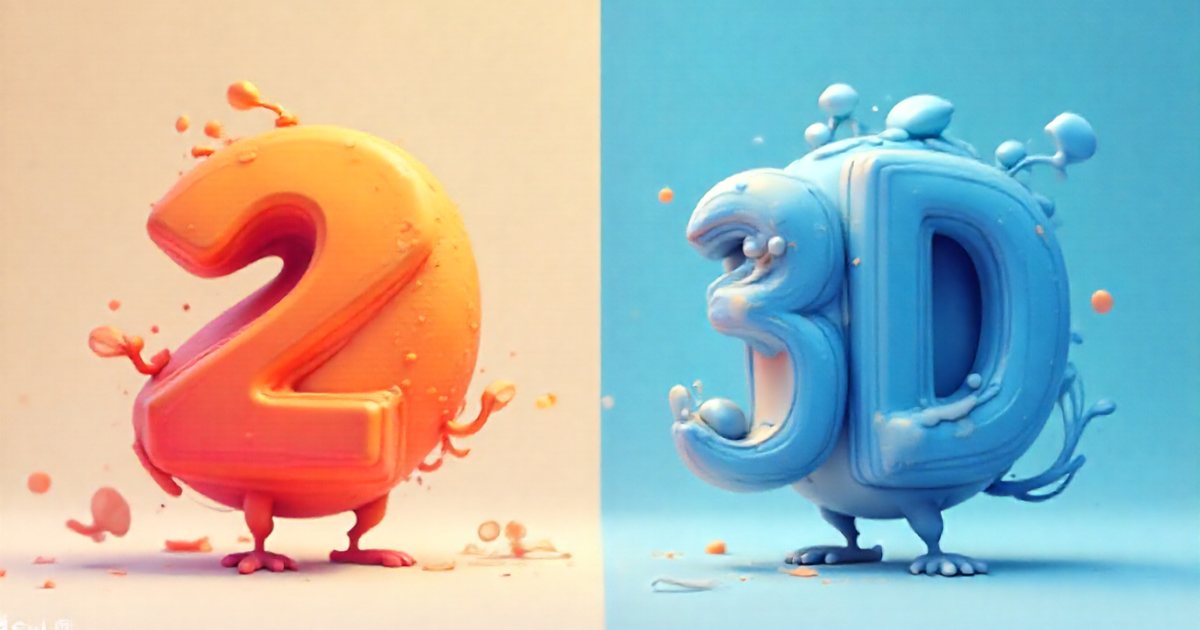
For a deeper comparison of the two techniques, see 2D vs. 3D animation: when to choose each.
Quick comparison
| Type | What it does best | What adds effort and time | Ease of updating later |
|---|---|---|---|
| Character animation | Story and emotion | Number of characters, lip sync, acting | Moderate to hard |
| Motion graphics | Explaining information, figures, features | Custom illustration, number of unique scenes | Relatively easy |
| Explainer video | Explaining a product, service or process | Depends on the chosen style | Depends on the chosen style |
| Whiteboard | Step-by-step teaching | Custom drawings, script length | Moderate |
| 3D product animation | Showing a physical product in detail | Modeling, materials, render time | Easy once the model exists |
Choosing by goal
Start from what you want viewers to do or feel, not from a style you admired on a competitor's account:
- You want people to remember and warm to your brand: a character-led story, or a mascot that recurs across campaigns.
- You are explaining a digital service or app: motion graphics showing the app's screens and steps.
- You are presenting figures and results: motion graphics built around data visualization.
- You are teaching a long procedure: whiteboard or simple motion graphics with a clear voice-over.
- You are launching a physical product or selling on detail and finish: 3D product animation.
- You need a steady stream of social content: a motion graphics system built on your identity, with templates for text, transitions and the logo, as covered in kinetic typography and logo animation.
Before deciding, answer these: Does your product have a physical form? Do you need to move emotions or convey information? How many language versions will you need? How often will the content change during the year? Where will the video play, and will people watch with sound?
Choosing by budget and timeline
There is no fixed price for any type, but the same factors drive effort and time across all of them, and knowing them helps you trade off sensibly:
- Length: every extra second needs design, animation and review.
- Unique scenes: ten distinct scenes are heavier than five scenes reused cleverly.
- Custom versus stock artwork: custom art gives a unique identity and takes time; stock is faster, but check that its license covers commercial use.
- Characters: every character, every costume change and every line of lip-synced dialogue adds work.
- 3D: modeling, materials and rendering.
- Language versions: voice-over only is far simpler than lip sync in two languages, and on-screen text in Arabic and English usually needs a mirrored layout.
- Revision rounds: the later a change comes, the more it costs.
Ways to reduce effort without hurting quality: shorten the video, produce one master edit and cut short versions from it, choose a clean flat style, limit the number of characters, lock the script early, and plan the Arabic and English versions from day one. The full breakdown is in the motion graphics production process and what drives cost.
Illustrative examples
- A dental clinic in Kuwait launching a booking app, on a limited budget and a close deadline: a 60-second motion graphics video showing the app screens, plus three short social versions cut from the same scenes.
- A fragrance brand in Dubai launching a scent before Eid, while the bottle is still in production: 3D animation of the bottle, with the same model reused for the ad and the store's product images.
- A training provider in Cairo explaining safety procedures to new staff: whiteboard or simple motion graphics that can be updated easily when procedures change.
- A food company planning an emotional Ramadan campaign: a character-led family story, with production starting early because character animation takes longer, in line with the advice on planning seasonal campaigns.
Common mistakes when ordering an animated video
- Asking for a style by name without a goal: "we want motion" is not a specification.
- Mixing styles for no reason: realistic characters plus flat icons plus whiteboard in one video confuses viewers.
- Choosing 3D for a service with no physical form simply because it looks more premium.
- Assuming whiteboard or motion graphics is always cheap: effort follows detail, not the name of the style.
- Sending no references: two or three links to videos you like, with a line on why you like each, save a lot of meetings. The rules for writing a design brief apply here too.
- Leaving language versions and formats until the end of the project.
Practical checklist before you commission a video
- Write the goal in one sentence: what should viewers do or understand after watching?
- Define the audience and where the video will run: website, ad, exhibition screen or sales presentation.
- Decide whether you need emotion and story, clear information, or a showcase for a physical product.
- Choose the type on that basis, not on what is trending.
- Fix the length, formats and language versions from the start.
- Attach reference examples and your visual identity to the brief.
- Ask the studio to state exactly what it will deliver: number of scenes, whether characters are included, number of revision rounds and delivery formats.
These steps turn a vague label into a clear specification, make quotes comparable, and keep the final video close to what you expected.