2D vs 3D Animation: When to Choose Each
A practical comparison of 2D and 3D animation: techniques, strengths, time and cost drivers, and a checklist to help you pick the right approach.
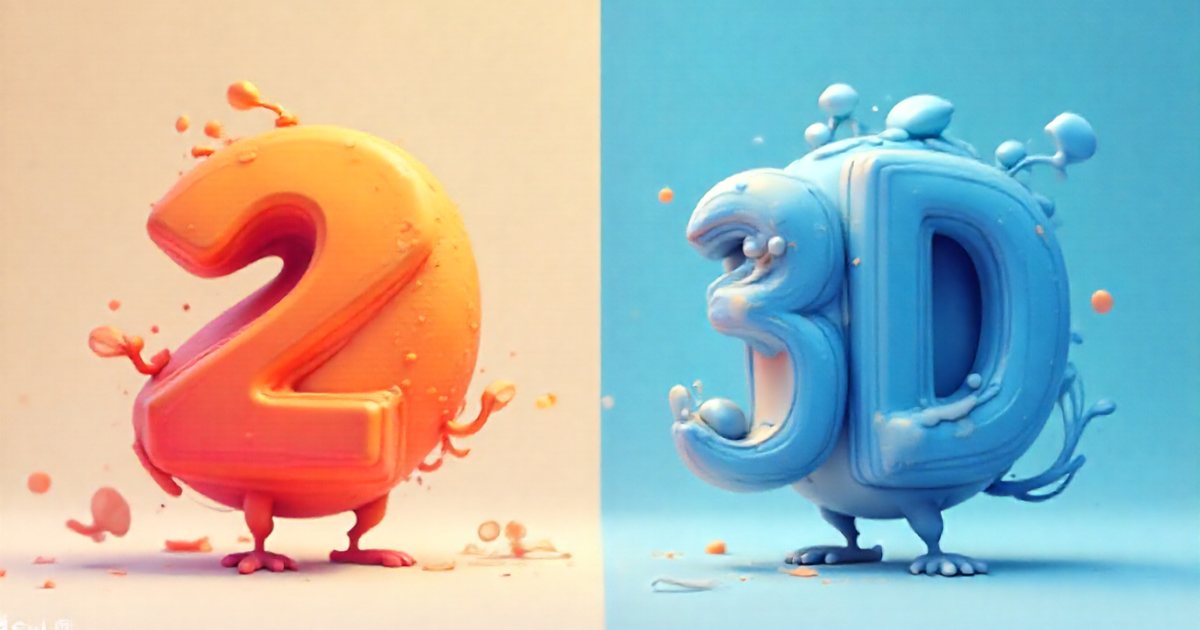
2D vs 3D animation is not a question of quality but of how the work is built. In 2D, elements are drawn or moved on a flat plane; in 3D, objects are modeled in a virtual space and then filmed with a virtual camera and lights, much like a studio shoot. Each approach has its own techniques, strengths and time drivers. This guide explains how each is produced, where each one wins, and when combining them is the smartest option. It is part of the complete guide to animation and motion graphics.
What 2D animation actually covers
2D animation works on two axes, width and height. Depth is only suggested, through overlap, perspective and drawn shadows. "2D" is an umbrella for techniques that differ a lot in workflow and effort.
Frame-by-frame
The animator draws every frame, or every second frame, by hand. At 24 frames per second, animating "on twos" means about 12 drawings for each second of animation. Frame-by-frame gives the most organic, expressive motion and allows distortions and transformations that other methods struggle with. It is also the most labor-intensive per second, and late changes can mean redrawing whole passages. It is typically reserved for short pieces, signature transitions, hand-drawn effects such as smoke and water, and campaigns with an artistic look.
Cut-out and rigged animation
The character is split into separate parts (head, torso, arms, hands, mouth shapes) and connected to a control rig, so the animator moves parts instead of redrawing them. The rig takes time to build, but every later scene goes faster, which is why this approach suits series, recurring brand mascots and explainers where the same character appears again and again. The main limit: turning the character in depth, say from a front view to a profile, needs extra drawings for each angle.
Vector motion graphics
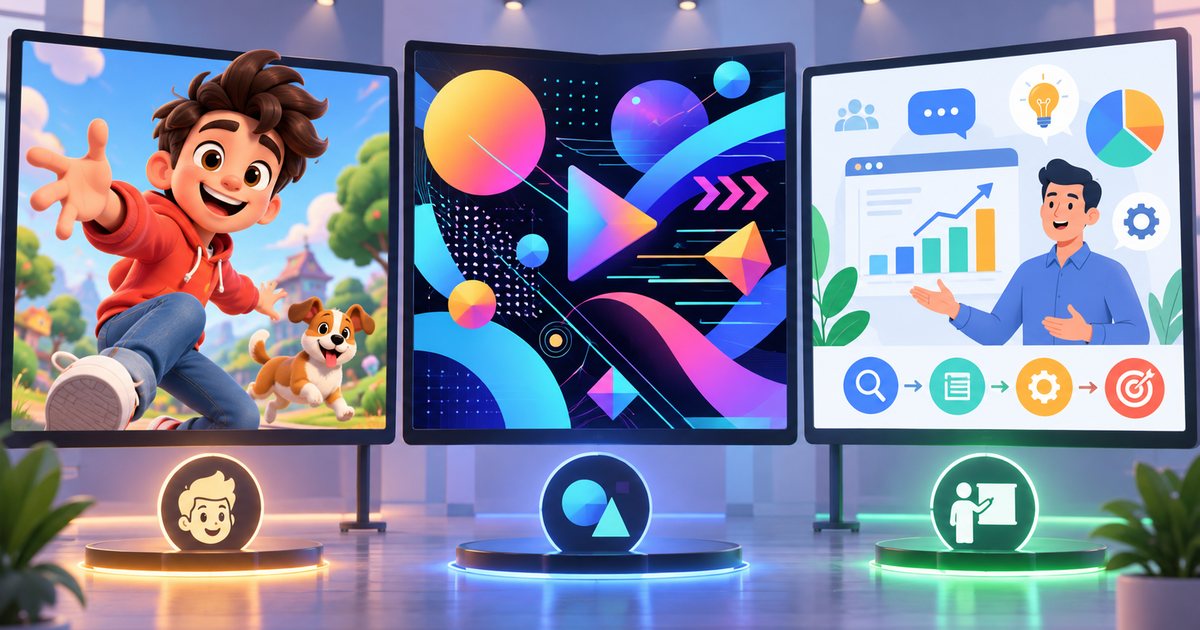
Shapes, icons, text, charts and interface elements are animated with keyframes for position, scale, rotation, opacity and paths. This is the most common style in commercial explainers and social ads because it matches flat brand identities, and a color, a word or a price can be changed at the last minute. If the terms feel blurry, animation vs. motion graphics vs. explainer videos sorts them out.
What 3D animation involves
In 3D, everything lives in a virtual space with three axes. The camera can move freely, and light, shadow and reflections behave much as they do in reality. The work usually passes through a chain of stages:
- Modeling: building the object from polygons, sculpting it digitally, or importing manufacturing (CAD) files when they exist.
- Texturing and shading: defining whether a surface is metal, glass or fabric, and how it reflects and absorbs light.
- Rigging: adding a skeleton and controls to characters or moving mechanical parts.
- Animation: keyframes, sometimes combined with physics simulations for liquids, cloth or particles.
- Lighting: placing key, fill and rim lights just as a photographer would.
- Rendering: computing each frame as a finished image. At 25 fps every second is 25 images, and a single frame can take seconds or many minutes depending on resolution, lighting quality and scene complexity.
- Compositing: combining render passes, adjusting color, adding text and flat graphics.
This chain explains why 3D changes are sometimes quick and sometimes painful. Changing a material color or a camera angle once the scene exists is relatively fast. Changing the shape of a model after texturing and lighting sends the work back several stages, and every affected shot has to be rendered again.
Side-by-side comparison
| Criterion | 2D | 3D |
|---|---|---|
| Visual character | Flat or illustrated, free to exaggerate and symbolize | Depth, materials and light, from realistic to cartoon |
| Explaining abstract ideas | Strong: icons, metaphors, charts | Possible, but needs careful design |
| Showing a physical product | Limited to drawn angles | Strong: any angle, exploded views, convincing materials |
| Set-up time | Usually shorter | Longer: modeling, materials, lighting |
| Late changes | Easy in vector, costly in hand-drawn | Easy for color and camera, costly for shape |
| Reuse | Rigged characters and vector assets | One model yields new shots and stills |
| Hardware | A mid-range computer is often enough | A strong GPU or longer render times |
What drives time and cost
Neither approach is always cheaper. A busy, detailed flat motion piece can take longer than a simple 3D shot of a single product. The factors that raise effort in both are:
- Length and number of unique scenes: scenes that reuse existing assets cost less than scenes that need everything built from scratch.
- Characters: a character who acts and speaks with lip sync is the most time-consuming part of animation in either style. 3D adds rigging, cloth and hair on top.
- Realism: photoreal 3D needs precise materials and lighting, and longer renders. A stylised look is much faster.
- Simulation: liquids, smoke and fabric need repeated tests and heavy computation.
- Changes after approval: every change that reaches back to an earlier stage multiplies the work, and the longer 3D chain makes this more visible.
- Share of hand drawing: in 2D, the more frame-by-frame work, the higher the effort per second.
When to choose 2D
- You are explaining a service, a procedure or an abstract idea, such as opening a bank account or how a delivery app works.
- You need a steady stream of social content: vector templates can be updated week after week.
- Your visual identity is flat or illustration-led.
- Text is the hero of the video, as in animated phrases and logos. Kinetic typography and logo animation covers that craft.
- The deadline is tight and many review rounds are expected.
When to choose 3D
- Product visualization: electronics, cosmetics, furniture and appliances, especially before manufacturing or before a sample exists. You can show any angle, explode the product to reveal its parts, and change colourways without a new shoot.
- Real estate and architecture: turning plans into walkthroughs of a building that is not finished yet.
- Technical, medical and engineering processes: showing what happens inside an engine, a device or the human body in believable space.
- Campaigns that need many assets: stills, video shots and 360-degree views for your online store, all from one model.
Mixing both
Many successful commercial pieces are neither pure 2D nor pure 3D. Common hybrids include:
- Flat graphics over 3D renders: a 3D product surrounded by animated icons, labels and arrows that explain its features.
- Cel shading: 3D models rendered with outlines and flat color so they look drawn, while keeping the freedom of a 3D camera.
- 2.5D: flat layers arranged in 3D space with a moving camera, giving a sense of depth without building models.
- 3D as a drawing reference: a rough 3D scene used to nail perspective and camera angles, then drawn over by hand.
Hybrids only work when they are consistent: one color palette, similar line weights, a single light direction and a shared rhythm of motion. That last point is covered in timing, spacing and easing.
Common mistakes when choosing
- Picking 3D because it "looks more expensive" when the message is abstract and a simple drawing would explain it better.
- Underestimating render time and review rounds in 3D, then running out of time in the final week.
- Choosing frame-by-frame for a long explainer with a close deadline.
- Ignoring reuse: if the character or product will return in future campaigns, plan for it from day one.
- Forgetting Arabic text: some 3D programs do not render connected Arabic letters correctly. A common fix is to prepare the text as vector shapes or add it at the compositing stage.
Practical checklist before you decide
- What should viewers understand or feel after watching?
- Does the idea need a realistic physical product, or an abstract explanation?
- Are there characters, and how much acting and dialogue do they need?
- Will you reuse assets for later seasons or versions?
- What is the deadline, and how many review rounds do you expect?
- Where will it run: social platforms, your website, an exhibition screen, TV?
- Do you need Arabic and English versions, and several aspect ratios?
With those answers in hand, read the motion production process and what drives cost to plan the schedule, then motion graphics and animation software to see which tools fit each approach.