Motion Graphics and Animation Software: How to Choose
There is no best program for everyone. Meet the main tools for motion graphics, 2D, 3D and interactive animation, and learn how to pick the right one.

There is no single best animation software, because each tool was built for a particular kind of work. Motion graphics software such as After Effects excels at animating text, shapes and composited footage; 2D animation programs are made for drawing and moving characters; 3D packages build and film objects; and tools such as Rive and Lottie handle interactive interface motion. This guide gives neutral examples in each category and practical criteria for choosing. It is part of the complete guide to animation and motion graphics.
Start with the type of work, not the program
Before comparing programs, pin down what you will actually deliver. Most work falls into one of four families:
- Motion graphics and compositing: text, shapes, logos and charts, and video footage combined with graphics.
- 2D animation: drawn characters and scenes, frame-by-frame or rigged.
- 3D: models, products, buildings and physical effects.
- Interactive motion: animations that run inside a website or app and respond to the user.
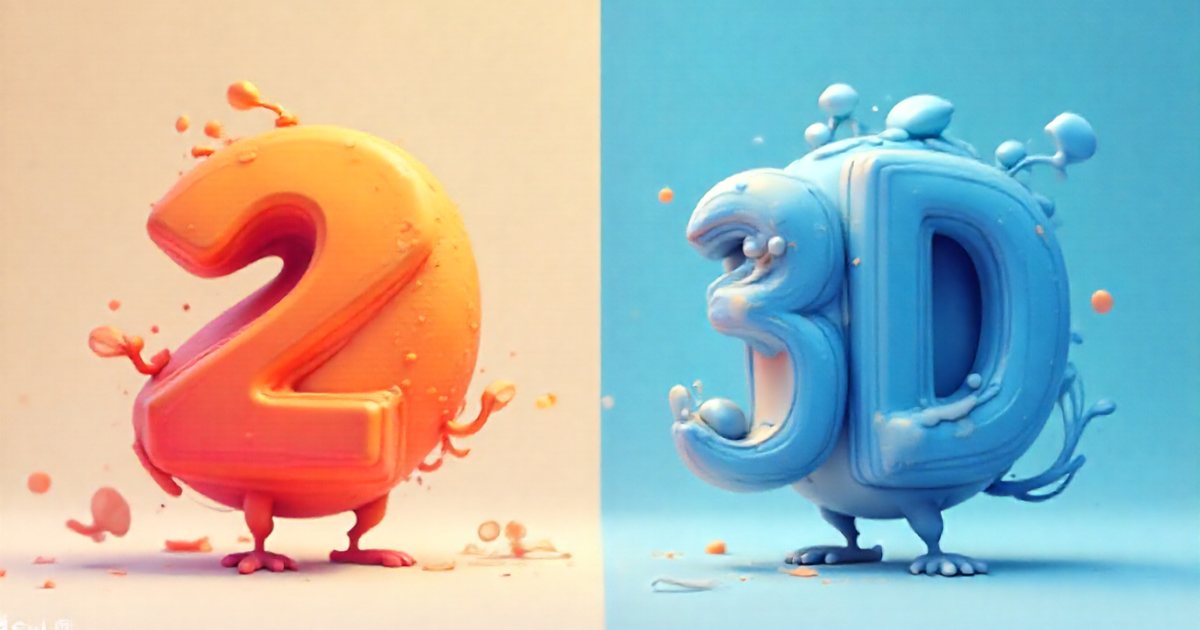
If you are torn between flat and 3D, read 2D vs 3D animation: when to choose each first. The style decision always comes before the tool decision.
Motion graphics and compositing tools
Adobe After Effects
A familiar name in motion studios and ad agencies. It is built on layers and a timeline: you can keyframe almost any property, then shape the speed precisely in the graph editor. JavaScript-based expressions link properties together and automate repetitive motion, and a large ecosystem of plugins, scripts and templates surrounds it. It imports Illustrator and Photoshop files with their layers and works closely with Premiere Pro.
Its limits: it is not a frame-by-frame drawing tool, and its 3D abilities are modest next to dedicated 3D software. For Arabic text, enable the Middle Eastern text engine in the preferences, then test letter joining and diacritics before the project starts.
Alternatives in the same family
- Fusion: node-based compositing, available on its own and inside DaVinci Resolve.
- Apple Motion: an option for Mac users, tied to Final Cut Pro and handy for building templates and titles.
Layers versus nodes is a real difference. Layers are easier for beginners to grasp; nodes stay clearer in complex composites and make processing chains easy to reuse.
2D animation software
Adobe Animate
The successor to Flash. It combines vector drawing tools, a timeline and reusable symbols, and supports both frame-by-frame drawing and automatic tweening between keyframes. It exports video and HTML5 Canvas content and is used for educational content, short series and simple interactive pieces. As with any tool, check its current development and support status before building a long-term workflow around it.
Toon Boom Harmony
A production tool found in studios that make 2D series and films. It combines frame-by-frame drawing with advanced cut-out rigging and deformers, plus node-based compositing inside the same program. The learning curve is steeper, but it is designed for teams and long production pipelines. The same company makes a dedicated storyboarding program; the stage itself is explained in storyboarding: planning scenes before you animate.
Other options
- Moho: focused on bone-based rigging for 2D characters.
- Krita: an open-source painting program with frame-by-frame animation tools.
- OpenToonz: open-source software for 2D animation production.
- Procreate Dreams: an iPad app for drawing and animating directly on screen.
3D software
Blender
Open-source and close to a complete pipeline: modeling, sculpting, rigging, animation, simulation, rendering and compositing. It ships with two main render engines, Cycles for physically accurate rendering and Eevee for fast real-time rendering, and Grease Pencil lets you draw 2D animation inside 3D space. A large community, plenty of free learning material and a wide range of add-ons surround it.
Cinema 4D
A favorite among motion designers. Its best-known feature is the MoGraph toolset, which clones objects and animates them procedurally with cloners and effectors, useful for abstract scenes and product showcases. It fits neatly into an After Effects workflow and supports external render engines.
Maya
Entrenched in film, series and game studios, especially for character animation and rigging. Studios script it with Python to build their own pipeline tools. The learning curve is steep, and it may offer more than a small team making short ads needs.
Specialist tools
- Houdini: procedural effects and simulations such as fire, water and destruction.
- Real-time engines such as Unreal Engine: show a near-final image instantly and are used for interactive experiences, virtual production and architectural presentations.
Interactive and UI motion: Lottie and Rive
Video files are a poor fit for small animated elements inside apps and websites. They are relatively heavy, do not stay sharp at every size, and cannot react to the user. Dedicated solutions fill that gap.
Lottie
Lottie is not a program but an open, JSON-based format that describes vector animation, played back by libraries on the web, iOS, Android and other platforms. Animations are usually designed in After Effects and exported with a plugin such as Bodymovin, and some other design tools export the format too. The benefits are small files, sharpness at any size, and code control over playing, stopping and jumping to a segment. The limits: not every After Effects feature is supported, and some effects, expressions and embedded raster images bloat the file or fail to appear. Test exports on a real device early and keep designs vector-based.
Rive
Rive is a design and animation tool with its own file format and runtimes for web, mobile and game engines. Its signature feature is the state machine: the designer defines states such as idle, hover, pressed, loading and success, plus the transitions between them driven by inputs, and the developer simply wires up those inputs. It suits interactive icons and buttons, characters that react to the user, and onboarding screens.
In short, Lottie plays a pre-built timeline, while Rive carries interaction logic inside the file. When and how to animate interfaces is covered in motion design in websites and apps.
Table: example tools by task
| Task | Example tools | Practical note |
|---|---|---|
| Motion graphics and short ads | After Effects, Fusion, Apple Motion | Master one before adding another |
| Rigged 2D characters | Toon Boom Harmony, Moho, Adobe Animate | A rig pays off when the character recurs |
| Frame-by-frame drawing | Adobe Animate, Toon Boom Harmony, Krita, Procreate Dreams | A drawing tablet is almost essential |
| Products and 3D scenes | Blender, Cinema 4D, Maya | Hardware and render time are decisive |
| Effects and simulation | Houdini, Blender | Steep learning curve |
| Interface motion | Lottie, Rive, CSS animation | Test performance on mid-range devices |
Selection criteria
Visual style
Style comes first. A logo reveal does not need Maya. A character who talks and acts will not be at its best in a pure motion graphics tool. A photoreal perfume ad needs a 3D package and a capable render engine.
Pipeline and file handoff
Ask where your file goes next. If it goes to an editor, check export formats and compatibility with the editing software (see video editing software: a practical comparison). If it goes to developers, agree early on Lottie, Rive or video. In 3D, exchange formats such as FBX, glTF, USD and Alembic matter. And think about where assets come from: well-organized, clearly layered Illustrator, Photoshop or Figma files save hours.
Team
A solo freelancer has different needs from a studio with several animators. Choose what your partners and clients use, what you can easily find freelancers for in your market when work peaks, and what lets the team share templates and presets without compatibility problems.
Hardware
3D work, simulations and heavy composites need a strong GPU, plenty of RAM and fast storage. Check the official system requirements on the developer's website before buying a machine, because some render engines require particular graphics cards. For occasional large projects, cloud rendering services can be cheaper than hardware you do not need all year.
Learning curve
After Effects is relatively easy to start and takes a long time to master. Toon Boom Harmony, Maya and Houdini are harder at the beginning. Blender is vast, but free learning resources are plentiful. Rive asks you to think in states and logic, which is new for some designers.
Licensing and continuity
Licensing models differ: subscription, perpetual license, open source, or education editions that may forbid commercial use. Read the commercial-use terms, check that the tool is still actively developed and supported, and confirm Arabic support in its text tools (right-to-left direction, letter joining, diacritics). Avoid pirated copies entirely: they carry legal risk and malware, and they never receive updates.
Common mistakes
- Hopping between many programs without mastering any.
- Choosing the program before deciding the style and the output.
- Buying templates and plugins without reading the license: one project, or a set number of machines?
- Designing an app animation in After Effects and only checking Lottie support at handoff.
- Leaving Arabic text testing until the final render.
A practical plan to get started
- Decide the first type of work you want to produce or sell.
- Pick one main tool for it, plus a design tool for preparing assets; design software compared helps with that choice.
- Learn the fundamentals alongside the tool, not after it: the 12 principles of animation and timing, spacing and easing.
- Build three small projects: an animated logo, a 15-second social ad in Arabic and English, and a micro-interaction for an interface button.
- Add a second tool only when a real project demands it.