Animation and Motion Graphics: The Complete Guide
A practical reference to animation and motion graphics: business uses, common styles, the production pipeline, core skills and tools, and a step-by-step way to learn the craft.

Animation creates the illusion of movement by showing a sequence of still images in quick succession. Motion graphics is the branch of animation that moves graphic design itself: type, shapes, icons, charts and logos. Businesses use animation and motion graphics to explain a complicated service in a minute, to stop people scrolling on their phones, and to make websites and apps easier to use. This guide covers the core concepts, the main business uses, the common styles, how a production runs from brief to delivery, the skills and tools involved, and a practical way to learn the craft.
What animation and motion graphics actually are
Every moving picture is a series of still images called frames, played at a fixed rate measured in frames per second (fps). Common rates are 24 fps for a cinematic feel, 25 fps for broadcast in countries on 50 Hz standards (the Gulf states and Egypt among them), and 30 fps for a lot of online content. When each frame differs slightly from the one before it, the brain reads the change as continuous motion.
The difference between the two terms is mostly about purpose rather than technique:
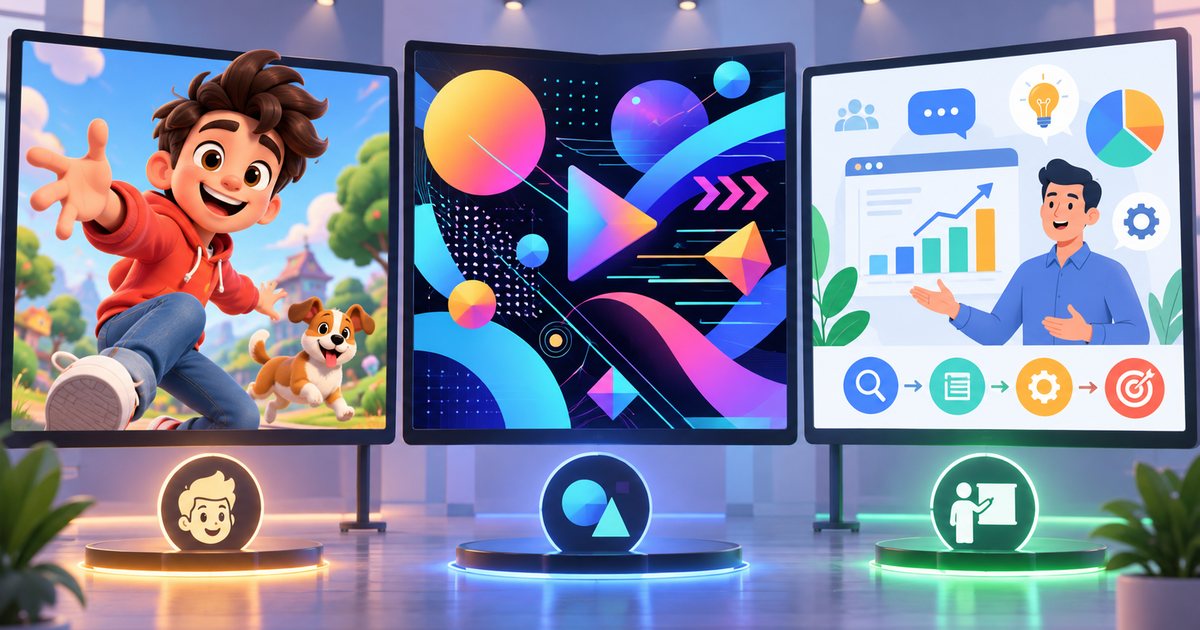
- Animation in the broad sense covers anything made this way. Its best-known form is character animation: characters that act, react and carry a story, as in animated films.
- Motion graphics is graphic design that moves. The stars are usually words, shapes and information, and the goal is to communicate a message or a brand clearly rather than to portray a character's feelings.
In practice the two overlap constantly. A single explainer video might combine a simple character, animated charts and moving text in one scene. For a sharper breakdown of the categories and when to pick each, see animation vs. motion graphics vs. explainer videos.
How businesses use animation
Movement earns its place in business for three reasons: it can show what a camera cannot, it catches the eye in a crowded feed, and it gives a brand a consistent personality that repeats across every channel.
Explainer videos
Short videos that explain a product, service or process: how a delivery app works, how to open a bank account from your phone, what steps an online government application involves. Animation suits this format because it can visualize things no camera can capture, such as data moving between systems or what happens inside a device. These videos succeed or fail on their script, which is why there is a separate guide on writing an explainer video script.
Social media ads and content
Short clips for Instagram, TikTok, Snapchat and YouTube, usually vertical 9:16, 4:5 or square 1:1. Many people scroll with the sound off, so the message has to land through text and image alone, and the core idea should appear in the opening seconds. Demand peaks around Ramadan and Eid, so production for those seasons needs to start well before the season does.
Website and app interfaces
Micro-animations that last a fraction of a second: a button responding to a tap, a menu sliding in, a loading indicator, a confirmation tick after an order goes through. Their job is to clarify what is happening, not to decorate. The specific rules are covered in motion design in websites and apps.
Presentations and events
Exhibition screens, investor presentations, conference openers and stage visuals. Screen formats here are often unusual, ultra-wide or split across several panels, so get the exact pixel dimensions from the organizer before anyone starts designing.
Broadcast and brand identity
Channel idents, lower thirds that show names and job titles, program openers, and the animated logo at the start or end of a company's videos. These pieces belong to the visual identity, and consistent repetition is what makes them work.
Training and internal communication
Safety procedures, onboarding for new staff and e-learning. Animation simplifies steps and is easier to update when a procedure changes than a full reshoot would be.
| Use | Common length | Typical format | What matters most |
|---|---|---|---|
| Explainer video | 60 to 120 seconds | 16:9, plus social cut-downs | Clear message and a good voice-over |
| Social ad | 6 to 30 seconds | 9:16 or 4:5 | Idea in the opening seconds, works without sound |
| Interface motion | Fractions of a second | Per screen | Speed, never blocking the user |
| Logo animation | A few seconds | Several sizes | Ends on the exact static logo |
| Event screens | Varies | Per screen | High resolution, seamless loops |
These lengths reflect common market practice, not rules; the message and the platform have the final say. Platform specifications change, so confirm current recommended sizes and durations in each platform's help pages.
Common animation styles
Style is a strategic choice because it shapes the impression a video leaves, the schedule and the team you need. The most common options:
- Flat 2D: simple shapes and bold color. Quick to read and well suited to explaining digital services.
- Character animation: gives viewers someone to relate to, but requires character design, rigging (building a controllable skeleton) and more animation time.
- 3D animation: ideal for physical products, buildings and internal components. See 2D vs. 3D animation for a full comparison.
- Whiteboard: a hand draws ideas on a white background. Calm and educational, good for step-by-step explanations.
- Kinetic typography: the words are the visuals, moving in sync with voice or music. Covered in detail in kinetic typography and logo animation.
- Isometric: a 3D look built from parallel lines, popular for explaining systems, cities and warehouses.
- Frame-by-frame: every frame drawn by hand. It has a rich, organic feel and takes the most time.
- Mixed media: graphics composited over live-action footage and tracked to the camera's movement.
- Data visualization: charts and figures that build in front of the viewer, useful for annual reports and results presentations.
A good rule: start with the message and the audience, then the existing visual identity, then the deadline and budget. A simple style executed well always beats an ambitious one that was rushed.
What makes motion convincing
Convincing motion is less about software and more about understanding how things move in the real world and how viewers read a screen. Animators at the Disney studio documented a set of principles that became the craft's shared vocabulary; we explain each one, with motion graphics examples, in the 12 principles of animation. Three of them deserve your attention from day one:
- Timing: the number of frames an action takes sets its weight, speed and mood.
- Easing: nothing real starts or stops instantly, and constant speed looks mechanical. Speed curves and the graph editor are explained in timing, spacing and easing.
- Clear hierarchy: one element leads the viewer's attention at any moment, not ten elements moving at once.
Sound completes the picture. A well-placed effect makes a movement feel heavier and clearer, and music sets the overall rhythm. See sound design for motion graphics.
The production pipeline
Professional projects move through defined stages, and each stage ends in an approval before the next begins. The reason is purely economic: changing a line in the script takes minutes, while changing it after animation can mean rebuilding whole scenes.
- Brief: goal, audience, core message, platform, length, deadline and visual references. A solid design brief prevents many revision rounds later.
- Script: the spoken words plus a description of what appears on screen, approved in writing.
- Storyboard: sketches of every scene with notes on motion and sound. The method is in storyboarding: planning scenes before you animate.
- Style frames: a few fully designed frames that lock the final look: color, type and illustration.
- Voice-over and animatic: record the voice first, then time the storyboard panels to it to test the pacing.
- Animation: the longest stage, best reviewed in batches of drafts rather than one big reveal.
- Sound design and mix: effects, music and balanced levels.
- Revisions and delivery: an agreed number of revision rounds, then export in the sizes and formats each platform needs. Understanding video export settings helps here.
Each stage, and what pushes cost up or down, is explained in the motion graphics production process.
Skills and tools
A good motion designer is a designer first and an animator second. The core skills:
- Design fundamentals: composition, color, type and visual hierarchy. Motion amplifies good and bad design alike.
- A feel for timing and rhythm: built through observation and practice far more than through reading.
- Storytelling: ordering information so each shot builds on the last and the viewer keeps following.
- Tool fluency: keyframes, the graph editor, layers, masks and, when they help, simple expressions.
- Client communication: explaining decisions, presenting options and managing revision rounds.
Tools depend on the style. After Effects is common for 2D motion graphics; Adobe Animate and Toon Boom Harmony for character work; Blender and Cinema 4D for 3D; Rive and Lottie for interface animation; Illustrator or Figma to prepare artwork; Premiere Pro or DaVinci Resolve for final assembly. No single tool fits everyone. See motion graphics and animation software for a comparison by type of work.
Working with Arabic and bilingual content
Animating for Arabic-speaking or bilingual audiences adds decisions that most English-language references never mention:
- Direction of motion: Arabic reads right to left, so text reveals from the right, and "next" arrows and progress indicators usually point left. An Arabic version is not just translated text; some movements may need to be mirrored.
- Connected letters: Arabic letters change shape depending on their position in a word, and animating characters one at a time can break the joins in some tools. Animate by word, by line or with masks instead. See also typography and Arabic fonts in design.
- Voice-over language: Modern Standard Arabic keeps one message across markets, while a local dialect can make an ad feel closer to a specific country. Let the audience, the platform and the brand's personality decide.
- People, dress and setting: viewers should recognize themselves. Clothing, buildings, currency and occasions are what create a sense of familiarity.
- Seasons: Ramadan and Eid are peak periods and good production takes weeks, so plan with the marketing team well ahead.
A realistic learning path
If you are starting from zero, build the skill in stages and finish each exercise before moving on:
- Understand movement: animate a bouncing ball, then a heavy ball and a light one, and notice how timing changes the sense of weight. Then animate a swinging pendulum. These classic exercises teach timing, easing and arcs better than any big project.
- Master one tool: pick one program and learn keyframes, the graph editor, layers and masks. Don't spread yourself across several tools early on.
- Short motion pieces: animate an icon set, then a simple logo, then a 15-second line of text synced to a voice-over.
- A complete explainer: write a 30-second script for a real or imaginary service, storyboard it, record a scratch voice-over and take it through every stage. Here you learn project management, not just animation.
- Specialize: go deep in one direction, such as character animation, 3D, interface motion or typography.
- Portfolio: cut a short showreel that opens with your strongest shots, and for each portfolio project write a brief note on the problem and your role in solving it.
Common beginner mistakes: moving everything at once, linear motion with no easing, overusing preset effects, leaving sound until the end, and copying templates without understanding why they work.
Practical checklist before any animation project
- Does the project have one clear goal you can write in a single sentence?
- Are the platform, format and length decided before writing starts?
- Is the script approved in writing before drawing begins?
- Are the storyboard and style frames approved before animation starts?
- Does one element lead attention in every scene?
- Do the social versions make sense with the sound off?
- Have you respected Arabic reading direction and kept letters joined?
- Is sound planned from the animatic stage rather than added at the end?
- Are revision rounds and delivery formats agreed in advance?
If every answer is yes, the project is on solid ground. From here, go to the guide that matches your current stage: the script, the storyboard or the principles of motion.