How to Learn Programming from Scratch: A Realistic Plan
A practical plan without quick-fix promises: how to choose a first language, build real projects and avoid the traps most beginners fall into.
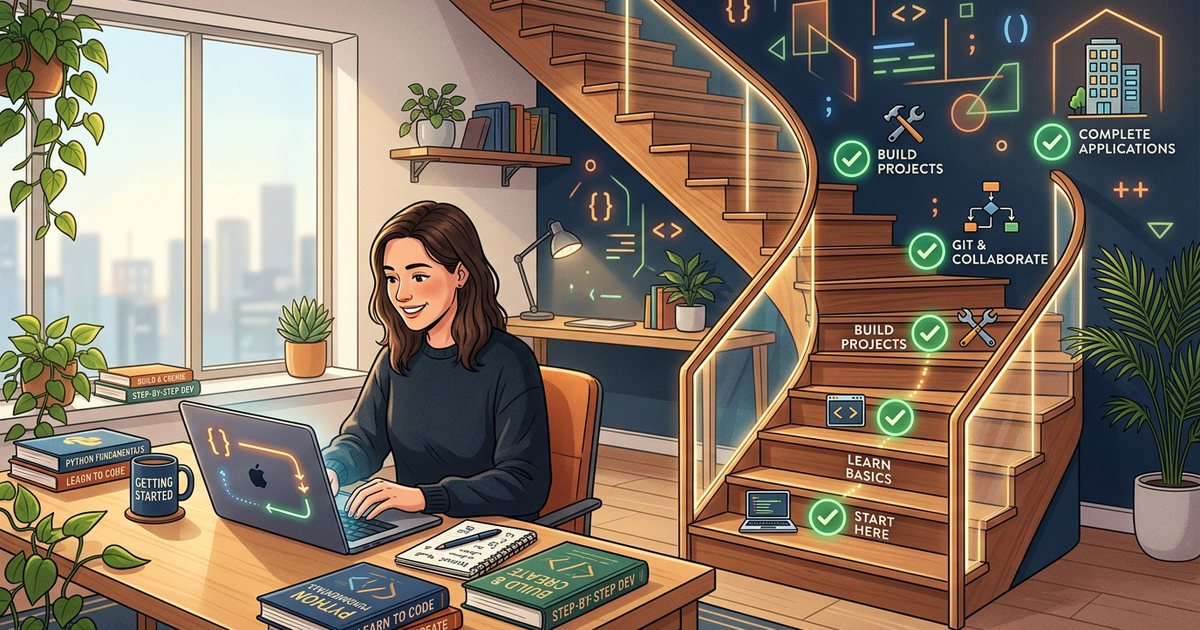
Anyone with regular time and patience for mistakes can learn programming from scratch, but it doesn't happen in a few weeks, whatever some ads suggest. The realistic path is clear: define your goal, pick one language that fits it, master the fundamentals, learn through projects, use Git, get used to reading documentation, and build a portfolio that proves what you can do. The plan works for students, business owners and employees changing careers alike; only the pace differs.
Start with the goal, not the language
"What's the best programming language?" is the wrong question. The right one is: what do you want to build? The common paths use different tools:
- Website front ends and interactive design.
- Server-side applications and databases.
- Mobile apps.
- Data analysis and AI.
- Automating work tasks such as reports, spreadsheets and files.
- Games.
Write your goal in one sentence, such as "I want to build a simple online store for my business" or "I want to automate our weekly sales report". That sentence decides your first language and your first projects, and it protects you from distraction.
Choosing a first language by goal
| Your goal | A good first language | Why |
|---|---|---|
| Website front ends | HTML and CSS, then JavaScript | Runs in the browser and shows results instantly |
| Server-side and dynamic websites | JavaScript (Node.js), Python or PHP | Each has a wide ecosystem, and PHP runs many CMS-based sites |
| Data analysis and AI | Python | Mature libraries and a large community in the field |
| Mobile apps | Kotlin or Swift, or Dart with Flutter | Depending on the platform, or a cross-platform framework |
| Automating work tasks | Python | Readable, with ready-made tools for files and spreadsheets |
| Games | C# with an engine such as Unity | A large learning ecosystem for game development |
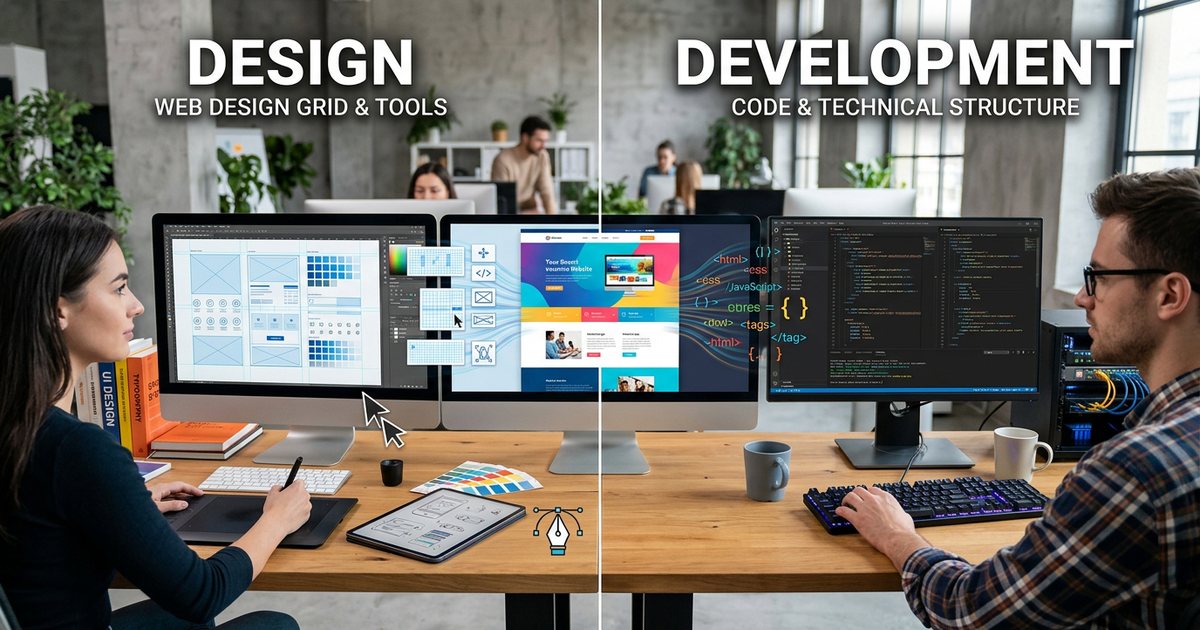
The concepts you learn in your first language carry over to every language after it, so don't spend a month comparing. If your goal is websites, start with HTML, CSS and JavaScript basics; if the line between shaping how a site looks and programming how it works is still blurry, read web design vs. web development. If you are aiming at mobile, app or website? explains the technical options.
Stage one: fundamentals that don't change between languages
- Variables and data types: text, numbers and true/false values.
- Conditions: making a decision based on a value.
- Loops: repeating an action over a set of items.
- Functions: grouping steps into a reusable unit.
- Data structures: lists and dictionaries, or objects.
- Debugging: reading error messages and stepping through a program.
- Breaking problems down: splitting a big task into small steps, the most important skill of all.
Learn your working environment alongside them: a code editor such as VS Code, command-line basics and sensible file and folder organization. This small Python example combines several fundamentals at once:
prices = [120, 85, 40]
total = 0
for price in prices:
    total += price

if total >= 200:
    print("Free shipping")
else:
    print("Shipping fee added")
A list, a variable, a loop that adds up the prices and a condition that decides the outcome. If you can explain every line, then change it to apply a discount above a certain amount, you are on the right track.
Stage two: learn by building, not by watching
The best-known beginner trap is watching tutorials and copying the code along with them. It feels like progress, until you discover you can't write anything on your own. The rule: after each lesson, close it, write what you learned from memory, then change it to do something the lesson didn't show you.
A suggested project ladder, from easiest to hardest:
- A simple calculator, such as a monthly instalment calculator or a currency converter with rates you type in.
- A personal profile page in Arabic and English.
- A to-do list that keeps its data after the page is closed.
- A restaurant menu with a button that sends the order through a prefilled WhatsApp link.
- A small app that fetches data from a public API and displays it, such as the weather or prayer times for your city.
- A complete project: a booking form that saves to a database, with an admin page to view bookings.
For every project, list its features first, build the smallest version that works, then add to it step by step. When you finish, rebuild part of it without looking at any reference.
Stage three: Git and version control
Git records the history of changes in your project, so you can return to any earlier version, try ideas on separate branches and collaborate without overwriting each other's work. Platforms such as GitHub and GitLab host your repositories and double as a public portfolio. Start using Git in your second month, not after you feel like a professional.
git init
git status
git add index.html
git commit -m "Add bilingual contact page"
git log --oneline- Write clear commit messages that describe what changed.
- Commit often, in small steps.
- Never push passwords or API keys to a repository; use a gitignore file to exclude sensitive files.
Stage four: reading documentation and solving problems yourself
- Official documentation is the most accurate reference: MDN for web technologies, the official Python docs, and the docs of every library you use. Most of it is in English, so build your technical reading gradually and keep a glossary of terms.
- When you hit an error, read the whole message, find the line, search for the distinctive part of the message together with the language or library name, and check the date and version of any answer you find.
- AI assistants are useful for explaining concepts and errors, but don't hand them all the writing. You should understand every line in your project and be able to explain it, and you should verify their suggestions, because they can be confidently wrong.
- When asking for help, share a small example that reproduces the problem, what you tried, what you expected and what actually happened.
- Read other people's code in open-source projects; it teaches patterns no tutorial covers.
A practice routine: consistency beats intensity
Illustrative example of a six-month plan at 8 to 10 hours a week; your pace may differ depending on your time and background:
| Month | Focus | Output |
|---|---|---|
| 1 | Fundamentals, the editor and the command line | Small daily exercises |
| 2 | Functions, data structures, first steps with Git | Two small projects in a repository |
| 3 | A mid-sized project and reading documentation | A working, published project |
| 4 | A tool or framework in your chosen field | An earlier project rebuilt with the new tool |
| 5 | A complete project with a database | A published project with clear documentation |
| 6 | Polishing projects and the portfolio | A portfolio ready to share |
- An hour a day beats seven hours on Friday alone, because skills settle through regular repetition.
- Keep a learning log: what you learned, what confused you and how you solved it.
- During Ramadan and busy seasons, cut the time down but don't stop.
- Find a study partner or a local or online community, and ask others to review your code.
Building a portfolio that convinces
- Three to five polished projects beat twenty near-identical tutorial copies.
- Each project needs a working link, code in a public repository and a README explaining the problem, the technologies, the challenges and what you would improve next, with screenshots.
- A real project for a real client, such as a site for a family business or a charity with their agreement, carries a lot of weight with employers and clients.
- In a bilingual market, a project that handles Arabic and right-to-left layout correctly sets you apart.
- Show how you think: a hard problem you faced and how you solved it.
If your goal is building websites for businesses, understanding how a business website goes from idea to launch lets you speak the client's language, not just the language of code.
Common traps and how to avoid them
- Hopping between languages and frameworks: stick with one language until you have built at least two projects in it.
- Watching without writing: write more code than you watch.
- Jumping to frameworks before fundamentals: a framework becomes a puzzle if you don't understand the language underneath.
- Memorizing syntax instead of understanding concepts: you can search for syntax; you can't search for understanding.
- Waiting for perfection before publishing: ship the first version, then improve it.
- Comparing yourself with social media highlights: compare yourself with where you were a month ago.
- Relying on AI for code you don't understand: you won't be able to fix it when it breaks.
- Buying expensive courses too early: try free resources first and make sure your interest lasts.
Steps to take this week
- Write your goal in one sentence and pick your language from the table above.
- Install a code editor and run your first program.
- Block a fixed daily slot in your calendar, even if it's only half an hour.
- Create an account on a repository hosting platform and push your first exercise.
- Choose your first project from the ladder above and write its feature list before you start.