Digital and Mobile Journalism
How to produce a complete story with your phone: stabilizer, microphone and light, shooting and editing, going live, plus the verification, safety and publishing rules that matter.

Mobile journalism, often shortened to MoJo, means producing a complete story with a smartphone: filming, recording sound, editing, publishing and sometimes streaming live from the scene. It is part of digital journalism, where stories go online and to social platforms first and are updated as they develop. This guide covers the kit you need, how to shoot and edit on a phone, live streaming basics, and the verification, safety and publishing rules that apply in the field.
What digital journalism changed
Digital journalism changed three things. Timing: a story is published once confirmed and then updated. Format: one story can be text, a short video, a live stream and a graphic. The audience relationship: comments and messages are now part of the daily work. The phone made it possible for one person to handle all of it.
The phone's strengths are speed, low cost and mobility, and it is less intimidating than a large camera, so people tend to speak more naturally in front of it. Its limits show in audio quality, low light, optical zoom, battery life and heat. Everything below is about using the strengths and compensating for the limits.
This is not only for newsrooms. Companies cover their own events, product launches and exhibition stands the same way. The editorial principles behind any coverage are set out in the complete guide to journalism and content writing.
The essential kit: a phone alone is not enough
| Item | Why you need it | Practical tip |
|---|---|---|
| Tripod with phone clamp | Steady interviews and live streams | Choose a light one that doubles as a handheld grip |
| Gimbal | Smooth moving shots while walking | For long interviews, a tripod is steadier |
| Lavalier mic, wired or wireless | Clear voice from the speaker | The single most important upgrade: audiences forgive average pictures, not bad sound |
| Small directional mic | Ambient sound and street interviews | Fit a windscreen outdoors, especially on the coast |
| Small LED light | Dark venues and lighting faces | Pick one with adjustable brightness and color temperature |
| Power bank and cables | Filming and streaming drain batteries fast | Charge everything the night before |
| Earphones | Monitoring audio while recording | Hear what you are actually recording, not what you assume |
Add a lens cloth, the right adapters for your phone's port and plenty of free storage. Keep the kit in one small bag and test every piece before you leave.
Shooting on a phone: rules that make the difference
Before you press record
- Clean the lens. One fingerprint makes everything soft.
- Choose orientation by platform. Vertical 9:16 for Reels, TikTok, Stories and Shorts; horizontal 16:9 for YouTube, websites and screens. Do not mix them within one story.
- Turn on Do Not Disturb. An incoming call can wreck a moment that will not happen twice.
- Lock focus and exposure. Long-press the screen (AE/AF lock) so the image does not shift every time someone walks through the background.
- Pick a frame rate and stick to it, such as 25 or 30 fps. Under artificial light, matching the local mains frequency reduces flicker: Egypt, the UAE and Kuwait, for example, run on 50 Hz, which suits 25 or 50 fps.
- Resolution: 1080p covers most platform uses. 4K gives room to crop but fills storage and drains the battery faster.
While shooting
- Avoid digital zoom. Walk closer. In low light, use the main lens, which is usually the best one.
- Shoot sequences, not single shots. A wide shot sets the scene, a medium shot shows the action, a close-up shows detail. A common mobile journalism drill is five shots per action: hands, face, wide, over the shoulder and an unusual angle.
- Hold each shot for 5 to 10 seconds without moving so the edit has material to work with. More in shooting for the edit.
- Record natural sound. A few seconds of ambient audio puts viewers in the place and smooths transitions.
Interviews on a phone
Mount the phone at the guest's eye level, in a quiet spot, with light in front of them rather than behind. Ask them to state and spell their name and title on camera at the start, which prevents errors in the on-screen caption. Preparing questions and running the conversation are covered in conducting a journalistic interview, and still photography techniques in professional smartphone photography.
Editing on the phone
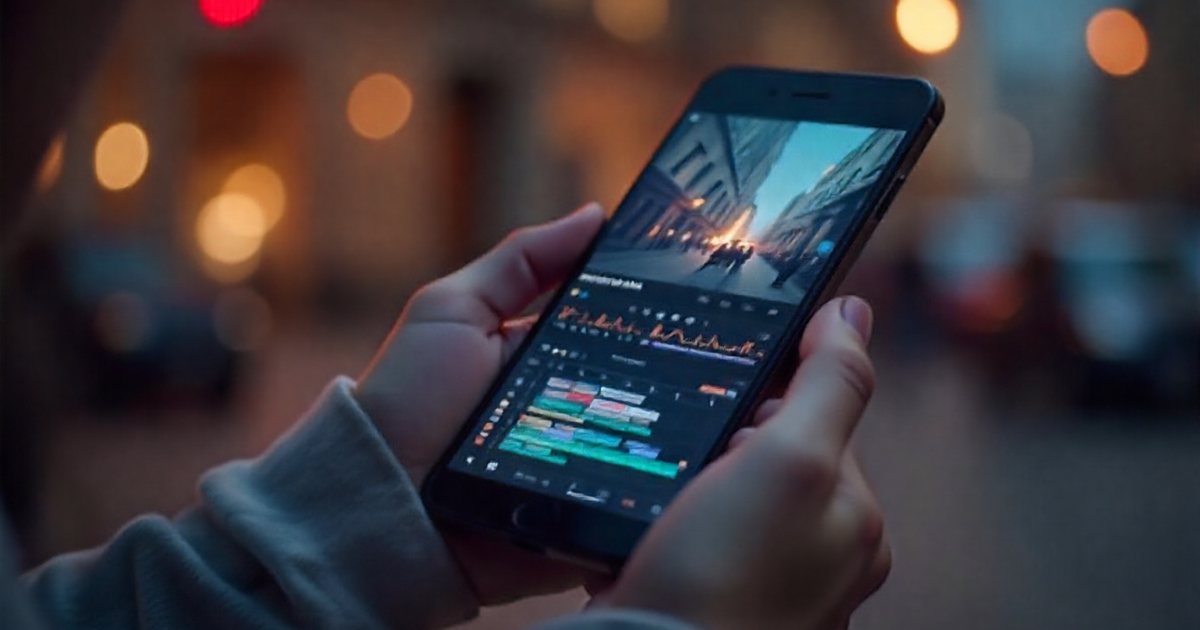
Apps such as CapCut and LumaFusion, along with the phone's built-in editor, allow a full edit without a computer. A practical order:
- Select your material. Mark usable clips first. Remove clips from the project, not from the phone.
- Build the story first. Open with the strongest shot and the clearest fact, then arrange the rest. Fine trimming comes after the story works.
- Balance the audio. Voices always sit above music. Check with earphones before exporting.
- Add text. Name and title captions, plus on-screen subtitles, because many people watch with the sound off in public. See subtitles and on-screen text.
- Check any Arabic text. Some apps render Arabic letters disconnected or in reverse order, so review every caption before export.
- Export and watch. Play the final version through on the phone before publishing.
Pacing and cutting for short videos are covered in editing short-form video. Always keep and back up the original footage; you may need it to correct an error or to prove what you filmed.
Live streaming basics
Live has no edit, so success comes from preparation:
- Connection: test upload speed at the location before going live, and have a backup such as a second SIM or a hotspot from another phone.
- Power and stability: full battery, a power bank, the phone on a tripod and an external mic.
- A plan: what you will show, who you will talk to, how long you will stay on. Open with a sentence that says where you are and what is happening.
- Repeat the context every few minutes for viewers who have just joined.
- Split the roles: a colleague watches comments and removes abuse so you can focus on the event.
- Separate confirmed from unconfirmed: say clearly what you know and what is not yet verified.
- Mind the faces: do not broadcast injured people, children or anyone who has not agreed to appear.
Afterwards, save the recording, trim the dead air at the start, add an accurate title and description, and consider cutting short clips from it.
Verification in the field
The phone's speed tempts you to publish before confirming, and that is where the worst mistakes happen.
- Note everything immediately: names, titles, numbers and where each came from. Ask sources to spell their names.
- Separate what you saw from what you were told, and attribute every claim.
- Do not estimate numbers yourself. Attribute crowd or casualty figures to an official source, or say they are unconfirmed.
- Verify audience material. A clip that arrives on WhatsApp needs its original source, place and time checked before you use it, then permission and credit. Methods are in fact-checking and countering misinformation.
- Keep original files with their metadata, such as date and location, as evidence. Remember that the same metadata can reveal the location of a source who needs protection, so strip it from published copies when necessary.
Safety first
- Assess risks before you go: the location, crowds and weather. In a Gulf summer a phone overheats quickly and may stop recording, so keep it out of direct sun, and carry enough water for yourself.
- Tell a colleague where you are and when they should next hear from you.
- Know the local rules. Filming people without consent, and filming certain places such as airports, government buildings and malls, is tightly regulated in several countries in the region. Check the rules and obtain permits from the competent authority.
- Protect the phone: a strong passcode, regular backups, remote wipe enabled and sensitive source contacts secured.
- Stay aware: do not walk with your eyes on the screen, and know your way out.
The ethical questions around privacy and filming victims are covered in journalism and media ethics.
Publishing to social platforms
- Match the format to the platform: short vertical video for Reels, TikTok, Shorts and Snapchat; horizontal for YouTube and your website; square or 4:5 for feed posts. Recommended specs change, so confirm them in each platform's current help pages.
- Lead with the news: open with the strongest image and the fact itself, not a logo or a long intro.
- Write a proper caption: who, what, where and when, with date, location, credits and a few relevant hashtags.
- Serve bilingual audiences: separate Arabic and English versions, or subtitles in both.
- Correct in public: if you get something wrong, fix it clearly in the caption and a pinned comment. Do not quietly delete the post.
Field checklist before you head out
- Phone and power bank are charged, with enough free storage.
- Microphone tested, with windscreen and the right adapter.
- Tripod or gimbal packed, lens clean.
- Orientation and frame rate chosen for the target platform.
- Any permits needed for filming at the location are ready.
- A colleague knows where you are and when you will check in.
- A live plan if needed: backup connection and someone watching comments.
- Somewhere to note names, numbers and sources.
- Raw footage backed up as soon as you return.